
WEBCAMS
The Beam Eye Tracker is compatible with built-in webcams, external USB webcams, or phones used as a webcam.
For most users, a standard 720p webcam, built-in or external, is a cost-effective and instant option. It offers solid performance and simple setup at 30fps. The minimum is 480p. Try it first with the camera or phone you already own, risk-free with the standalone version's 14-day money-back guarantee or Steam's free 3-hour demo.
Webcam Suggestions
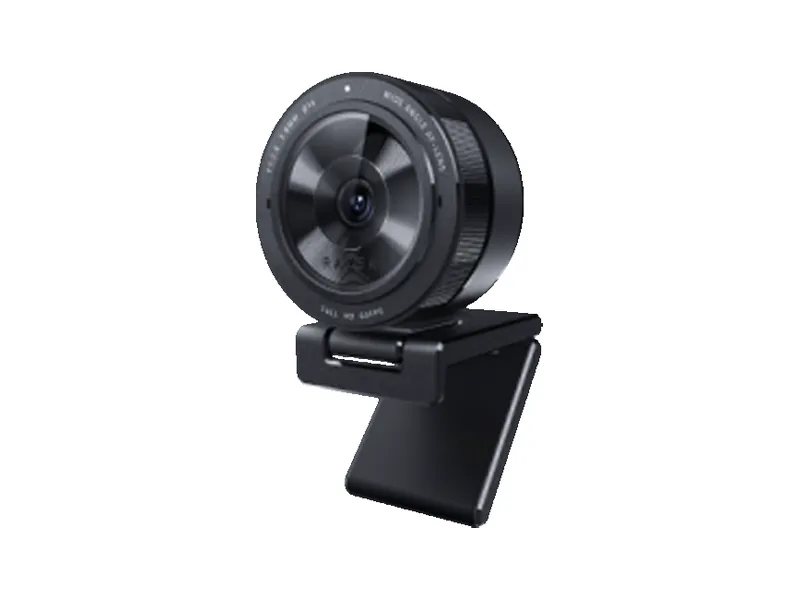
Three webcams we highlight, for value and for budget. Many more follow below, with filters. A tag like 1080p 60fps marks the setting we suggest. Trying other settings your camera supports? Rule of thumb, from 1080p: max out the frame rate first, then raise the resolution.
-
Great value
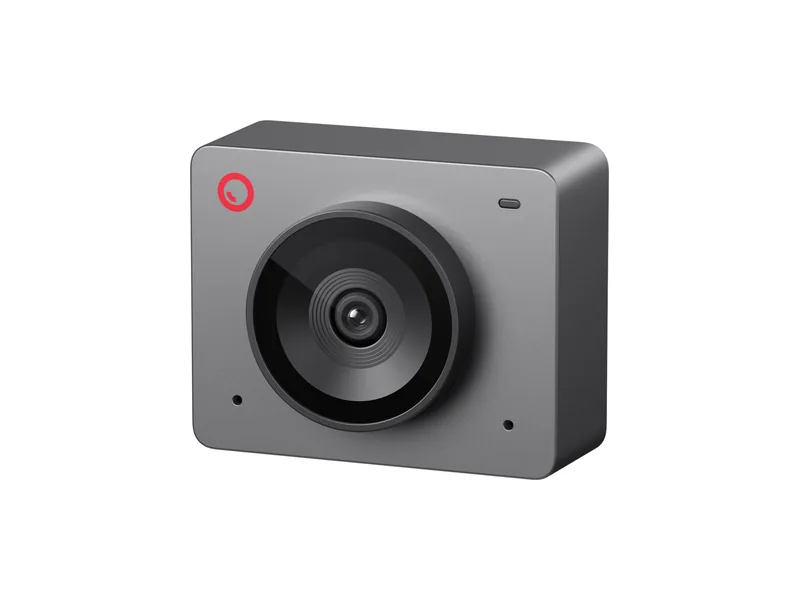
OBSBOT Meet SE
1080p at 100fps and a 78° view for $60 to $100.
-
Budget 1080p 60fps
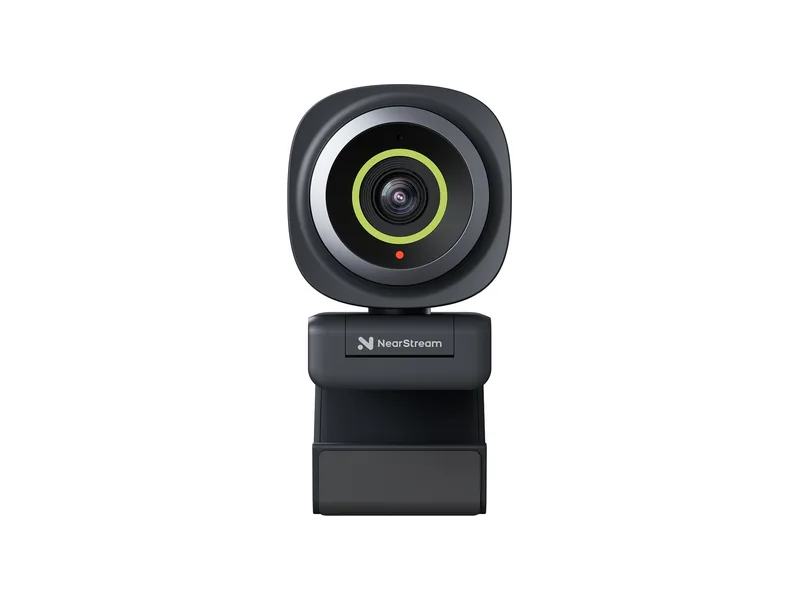
NearStream 2K Autofocus
1080p at 60fps and an adjustable view, down to 60°, for $30 to $60.
-
Budget pick
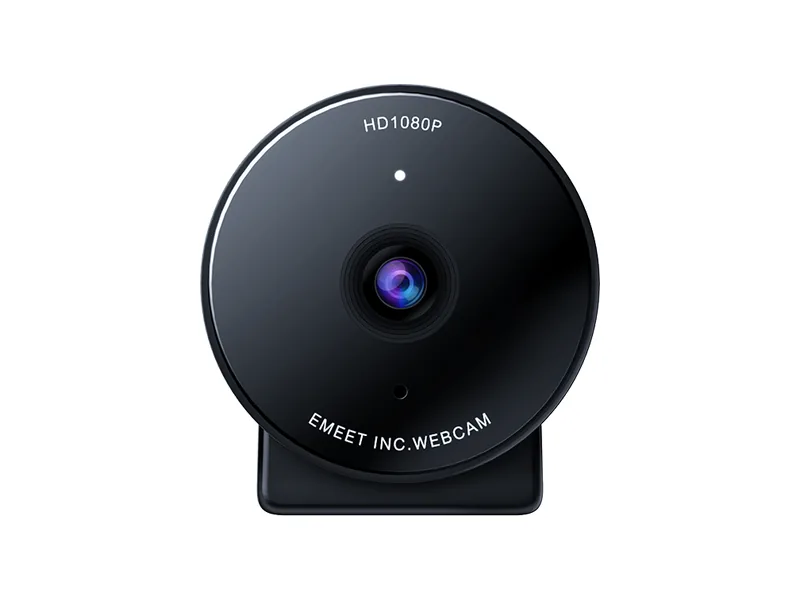
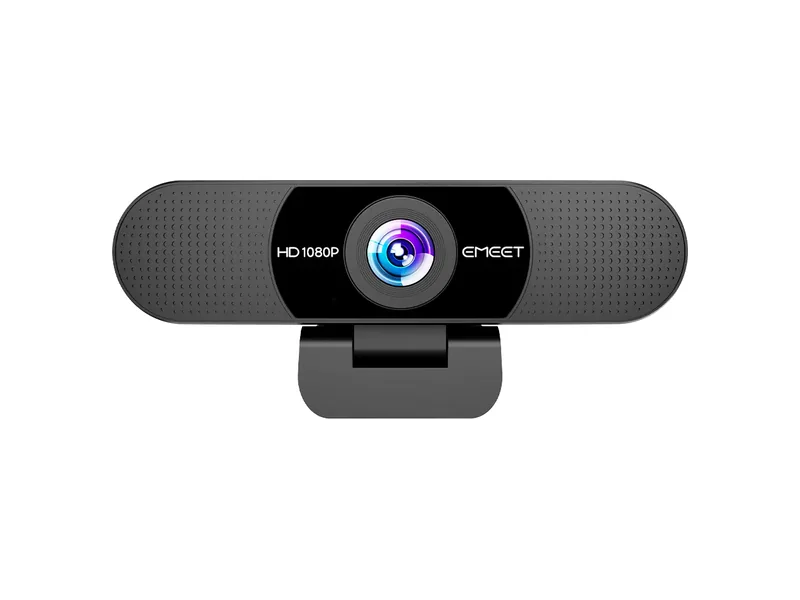
EMEET C950
1080p at 30fps and a 70° view for under $30.
Best-Selling Webcams
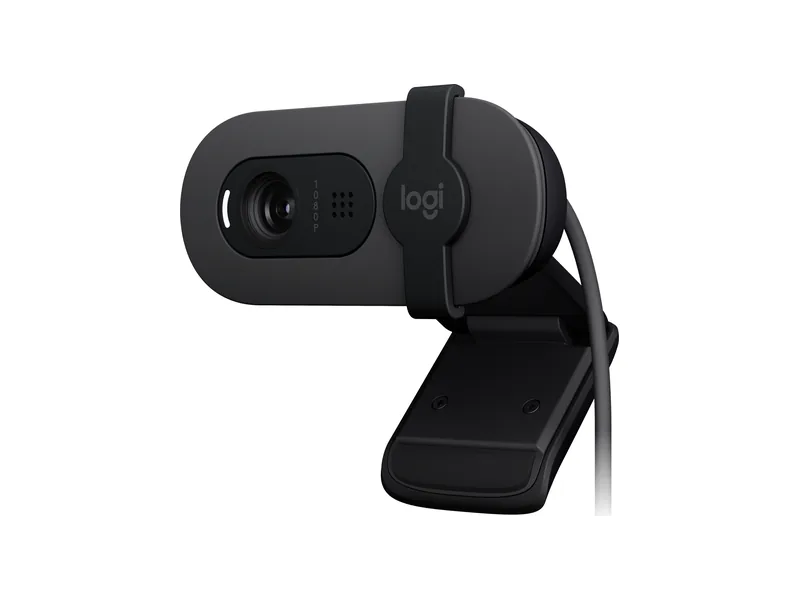
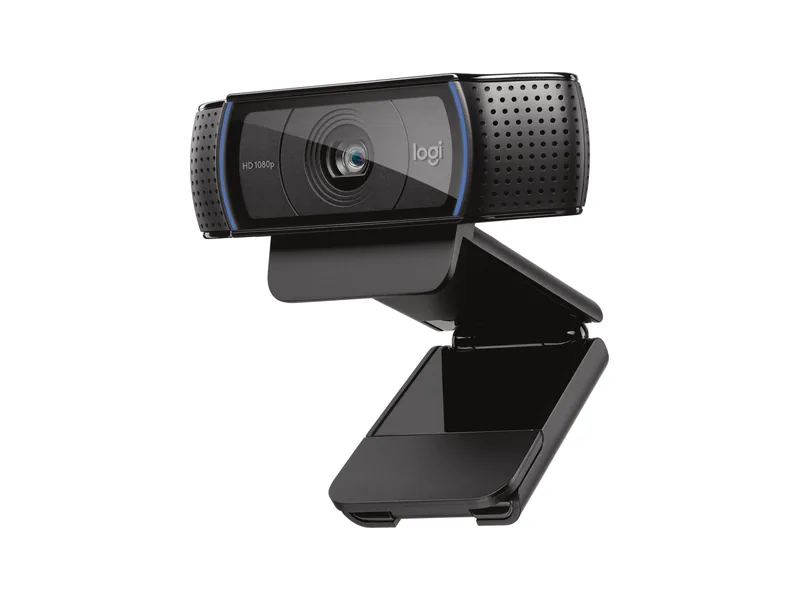
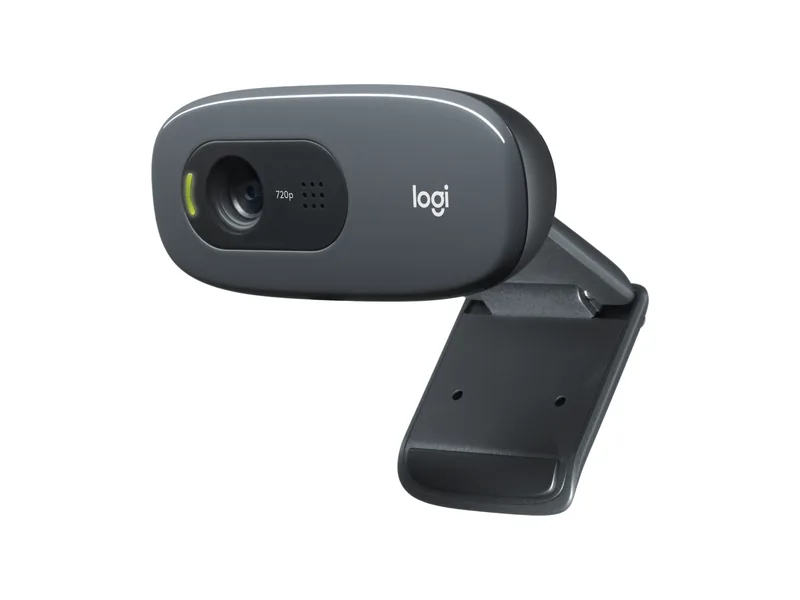
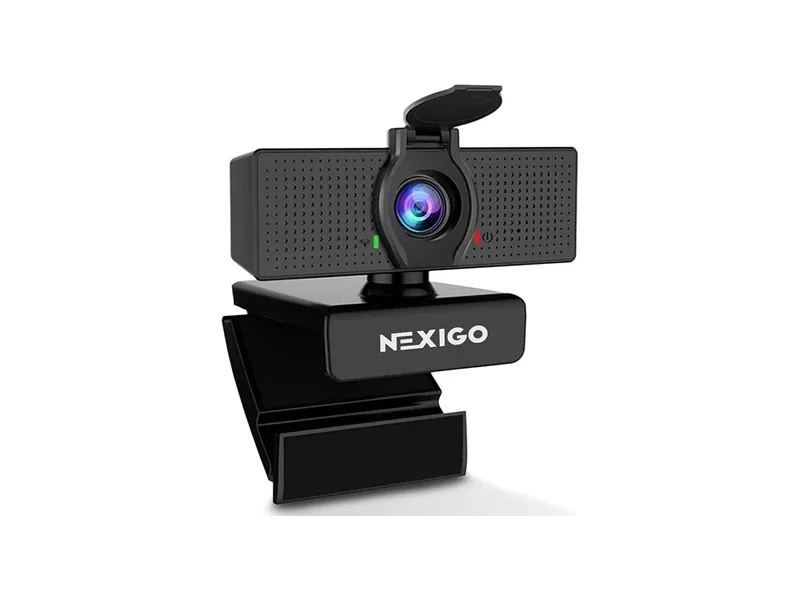
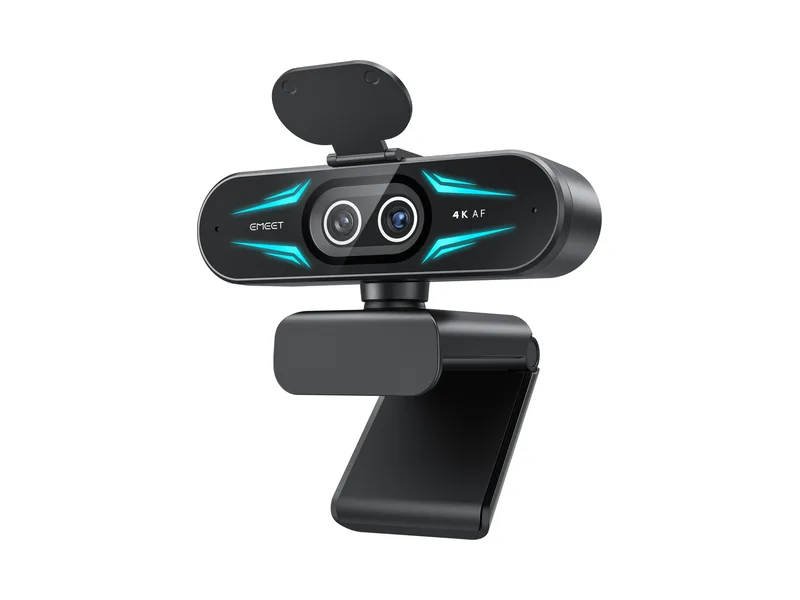
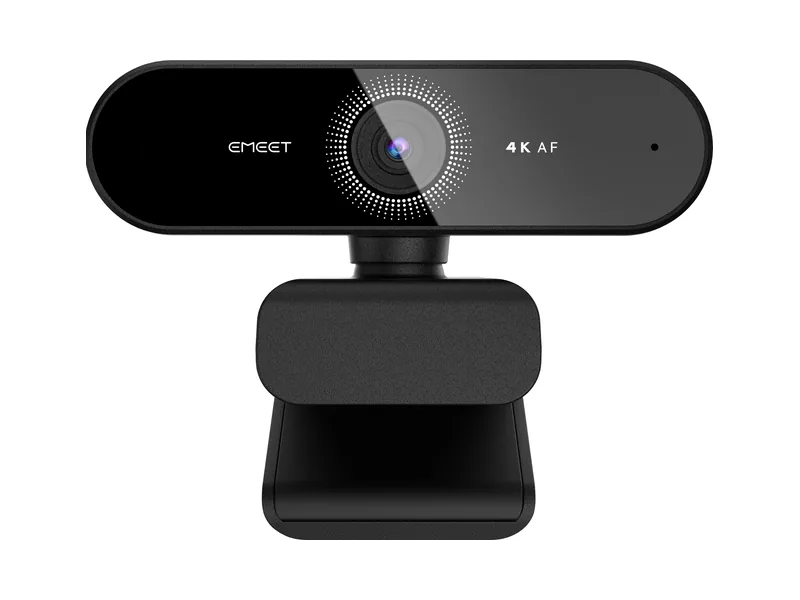
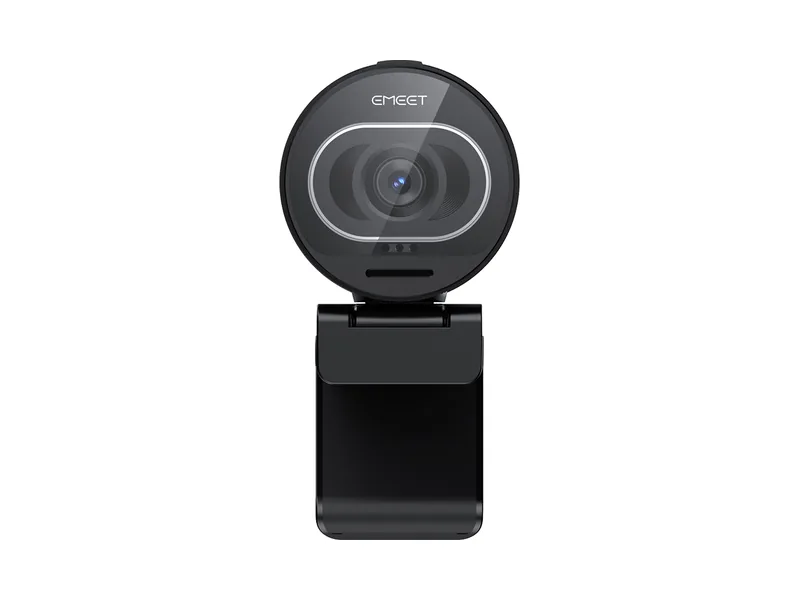
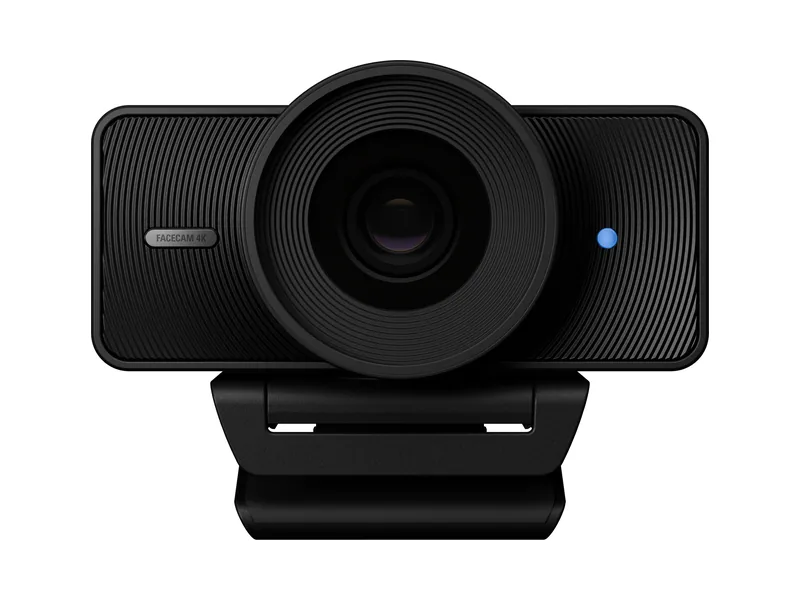
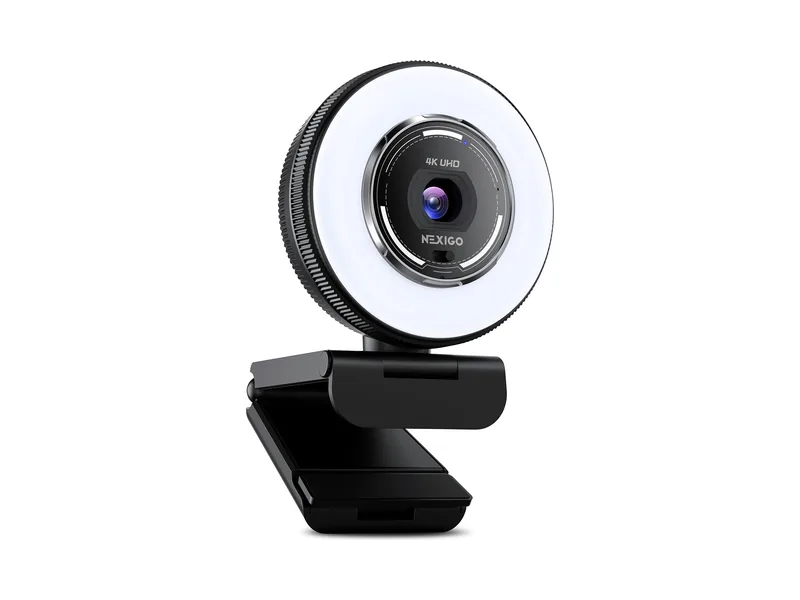
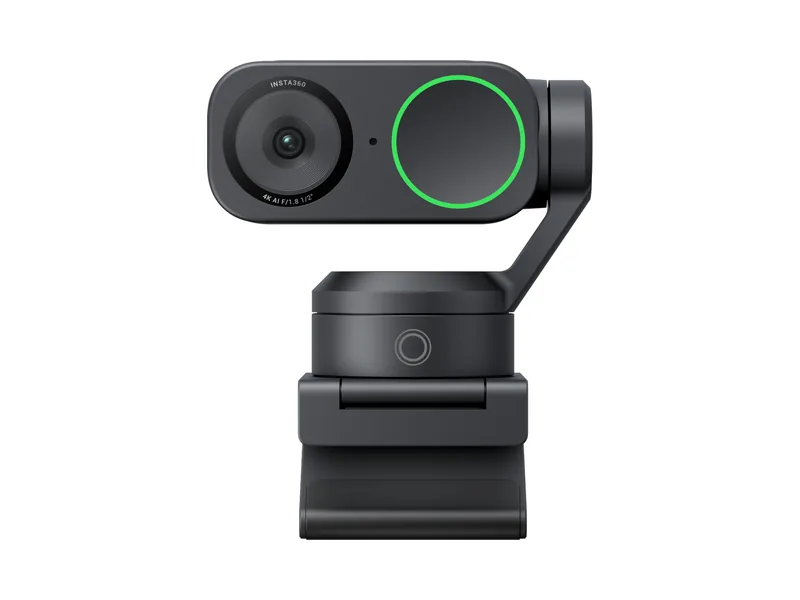
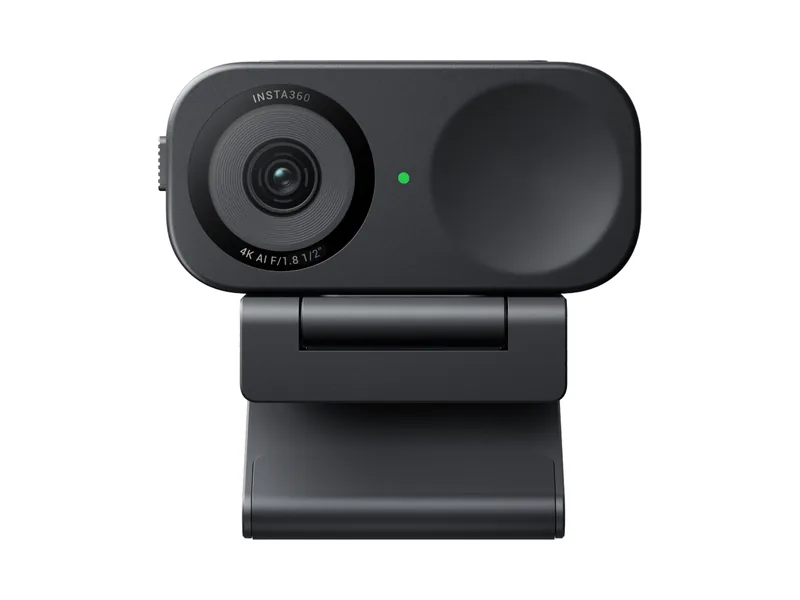
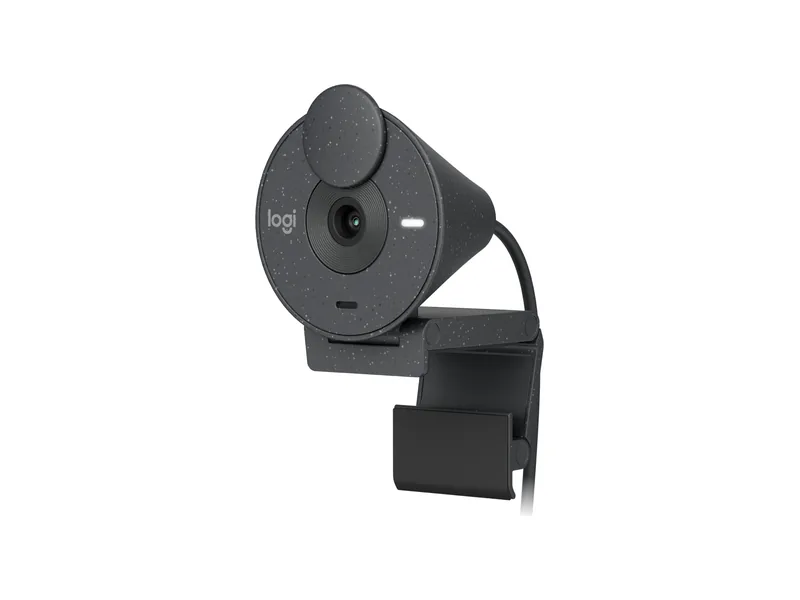
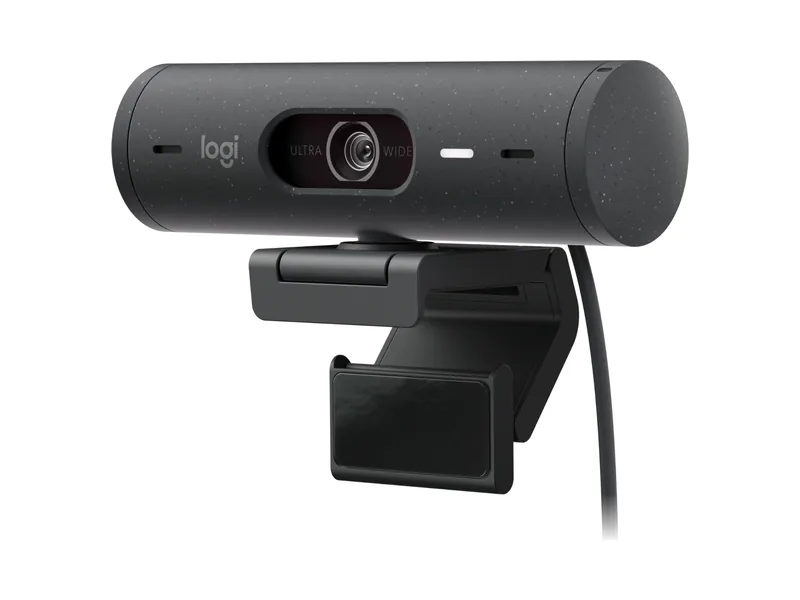
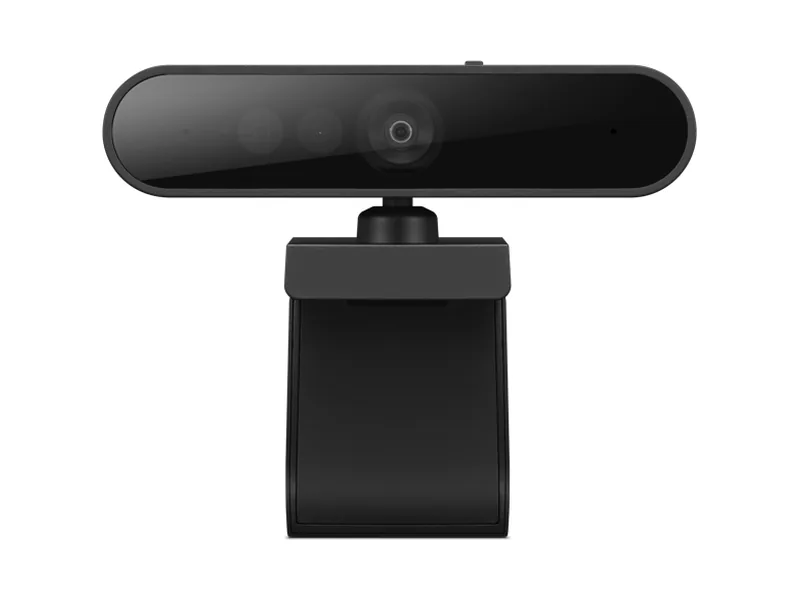
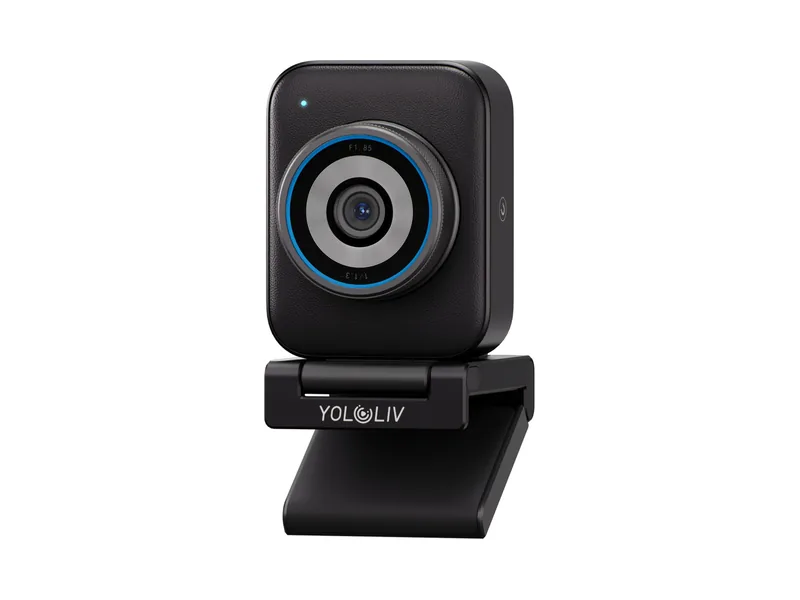
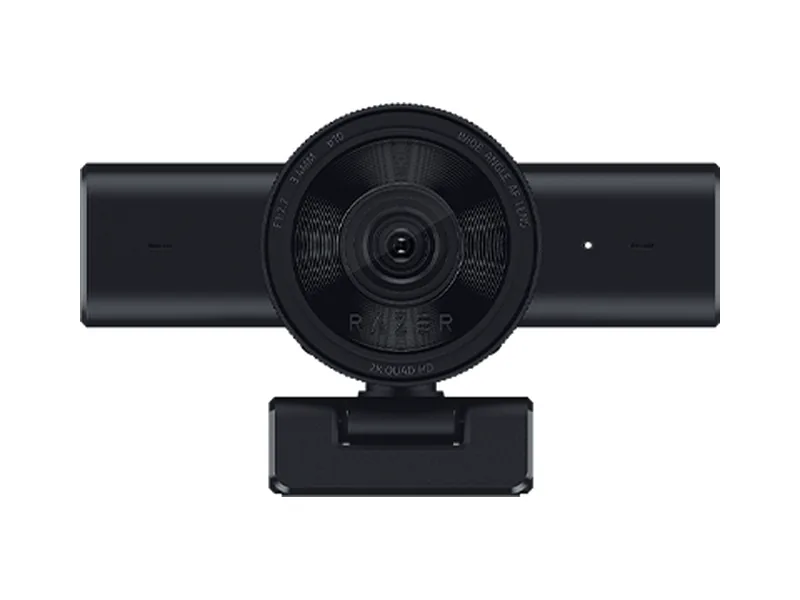
Below are Amazon's top-selling webcams, plus some mentioned by our community, each with the ideal resolution and frame rate we suggest. It's just a selection of the top-selling webcams, so your webcam doesn't need to be on it to work with the Beam Eye Tracker. If you have any questions, feel free to ask us and the community on our Discord or via support@eyeware.tech.
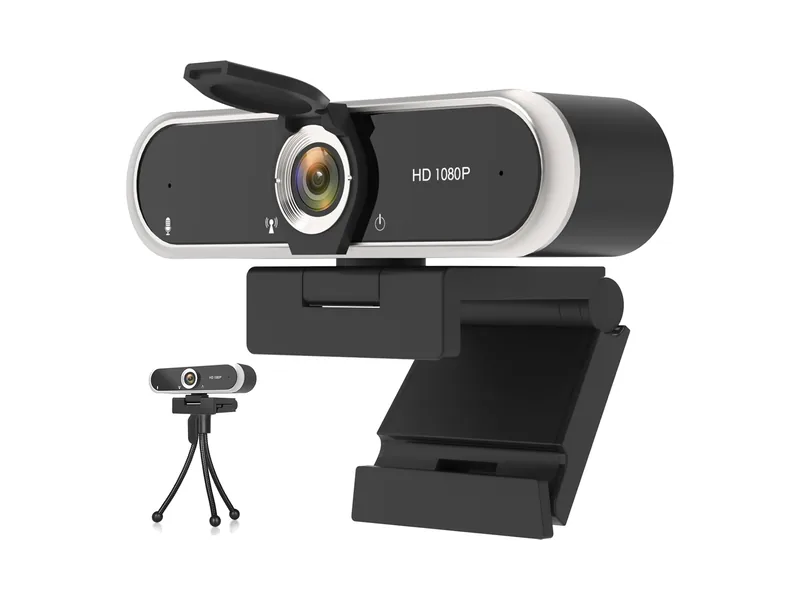
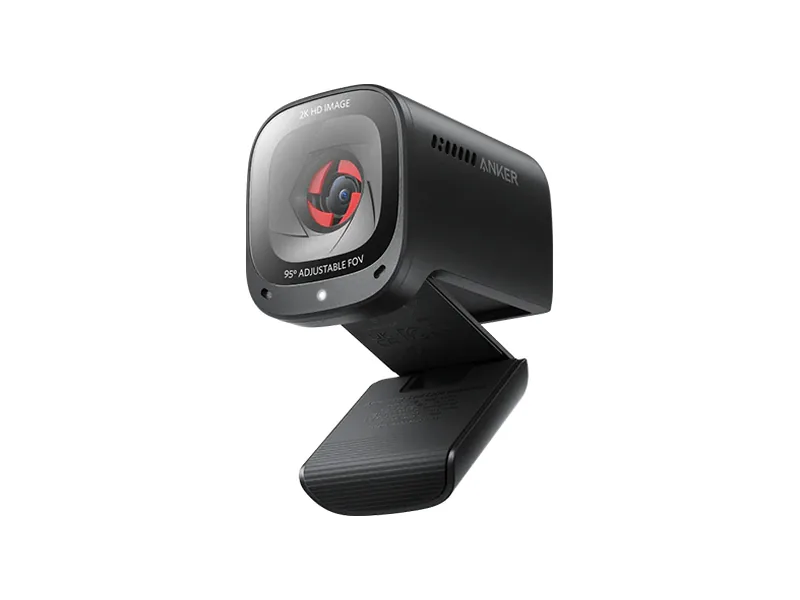
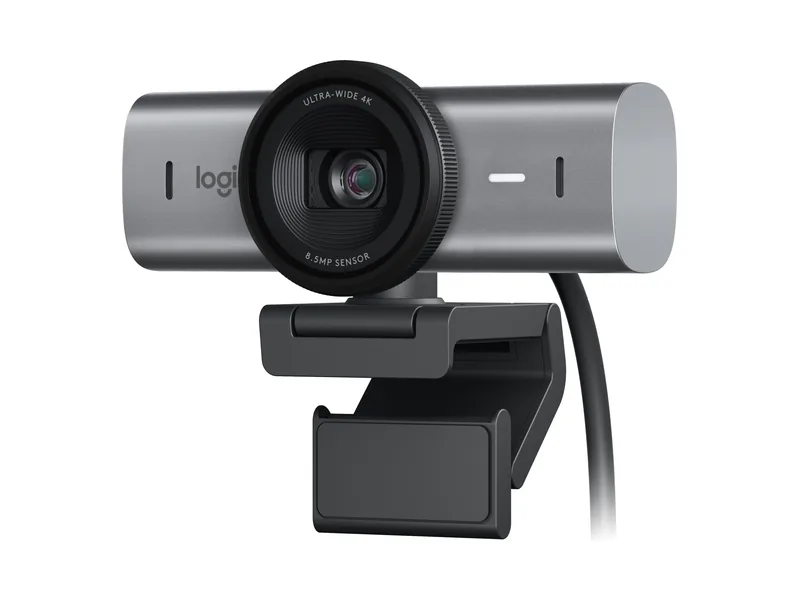
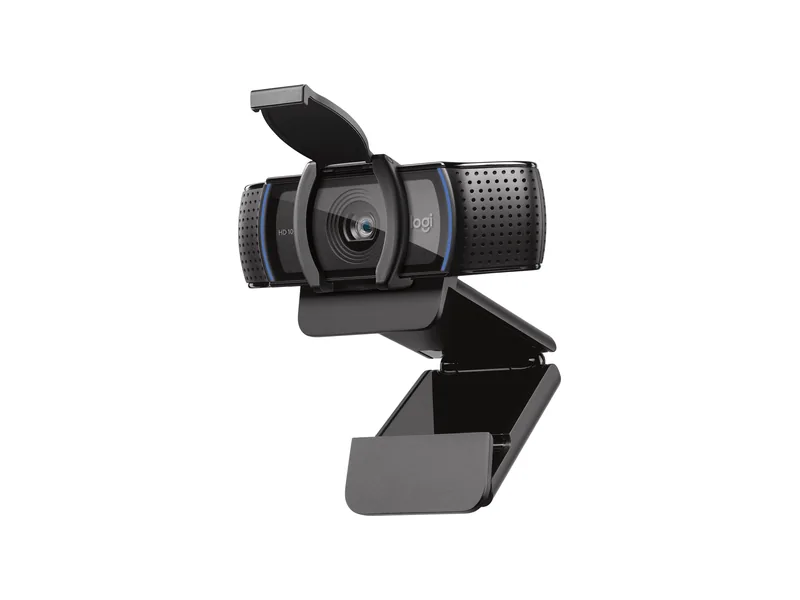
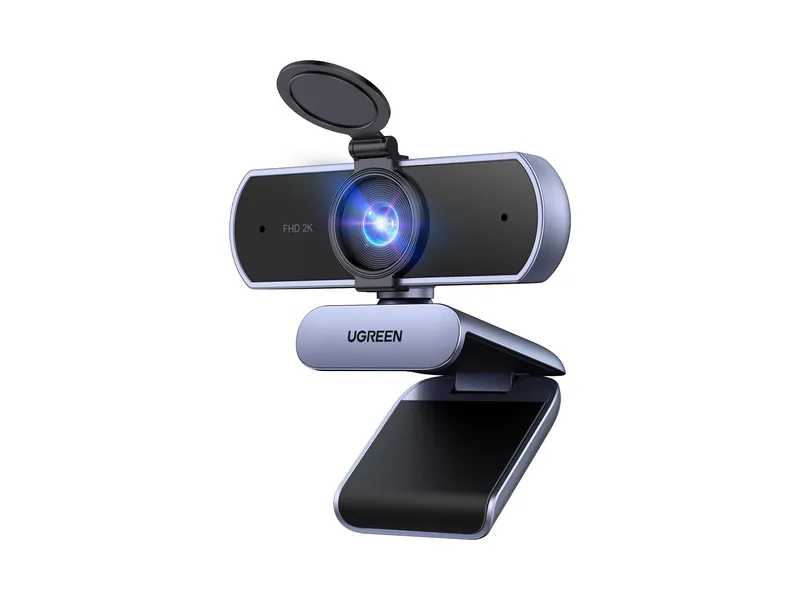
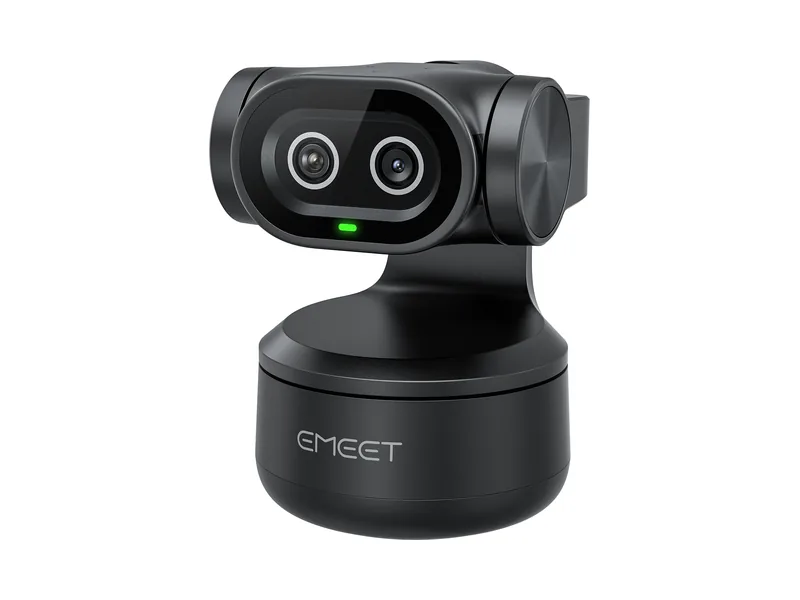
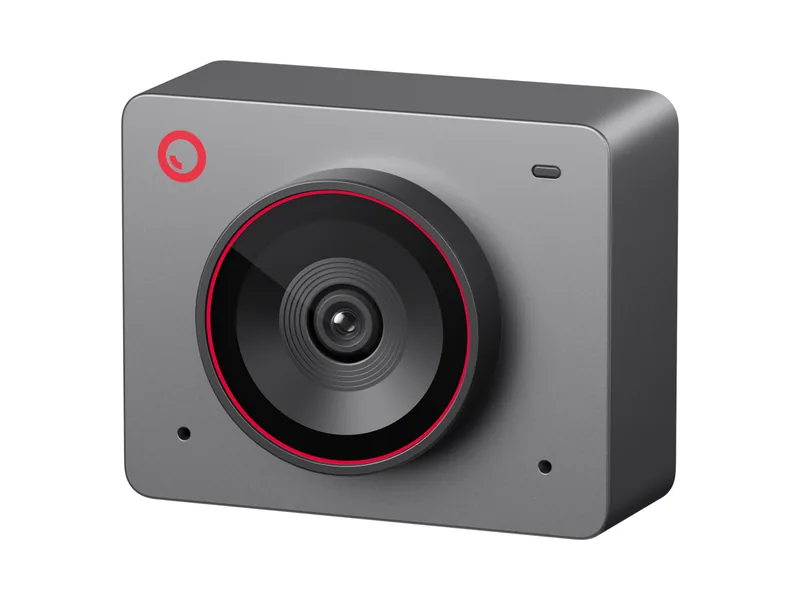
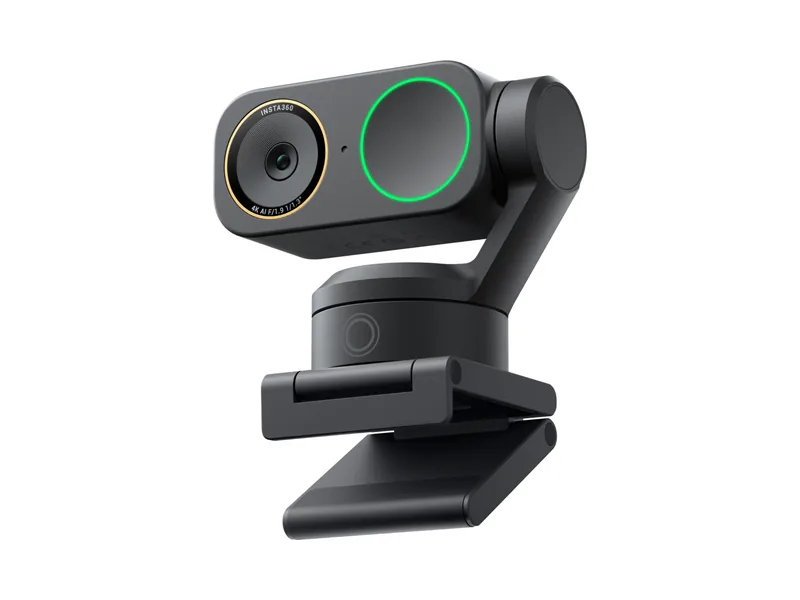
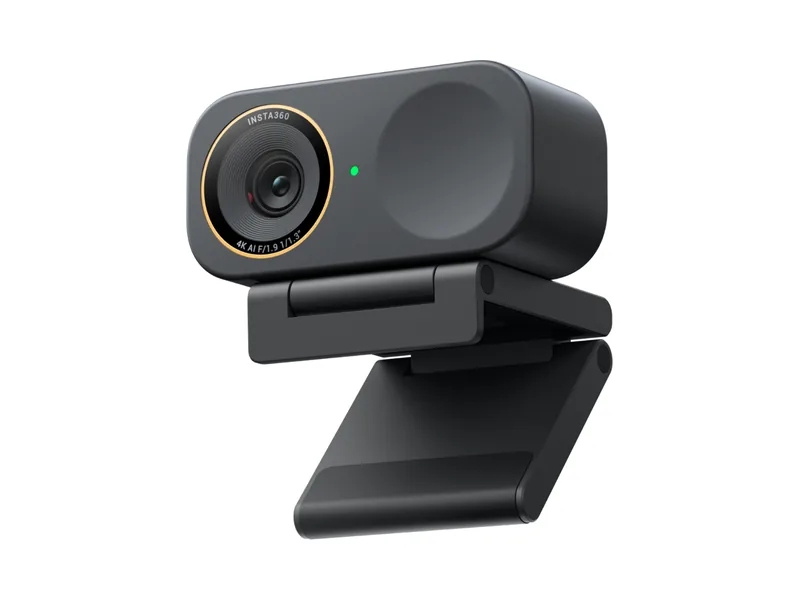
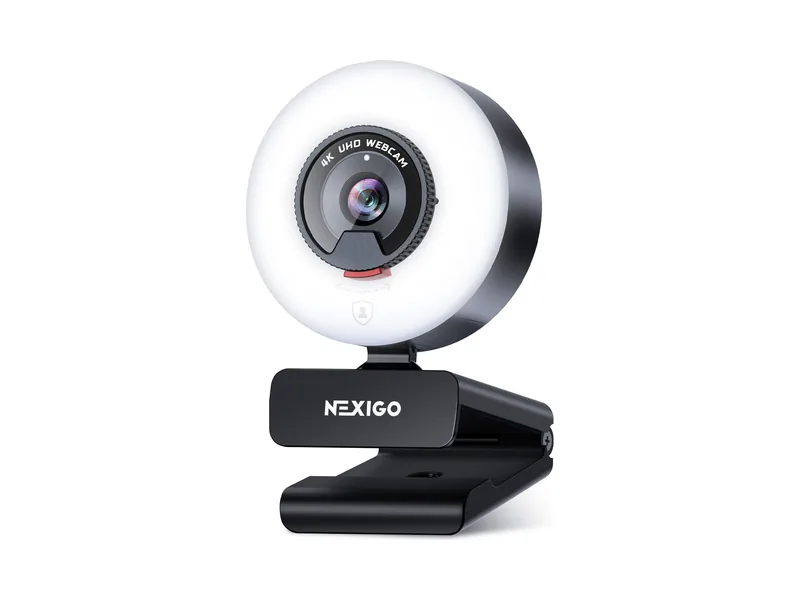
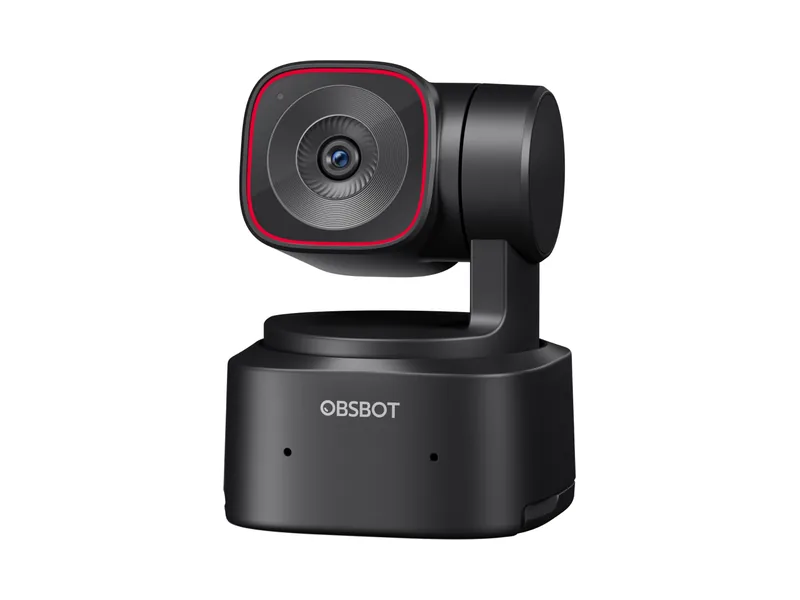
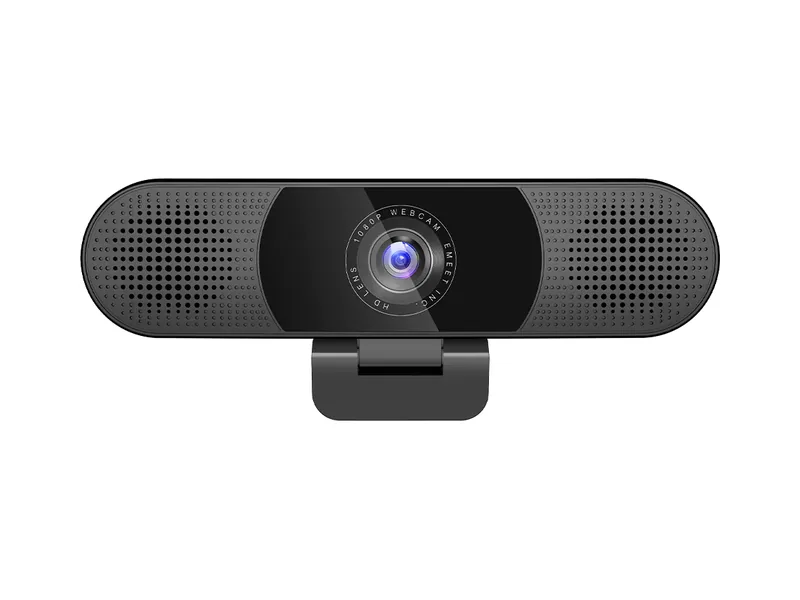
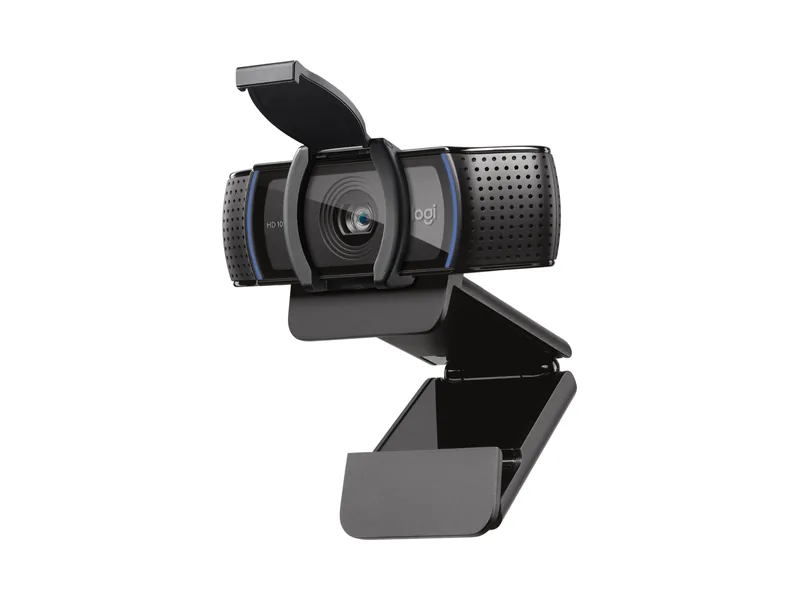
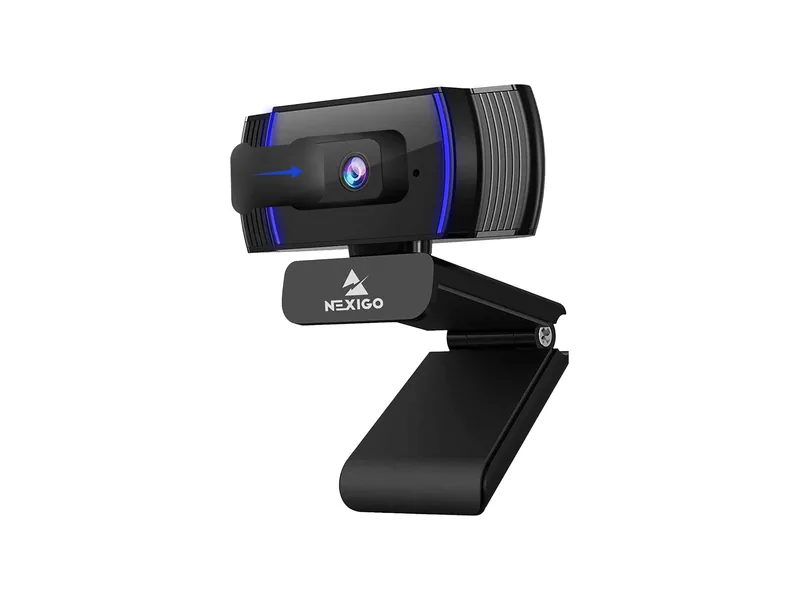
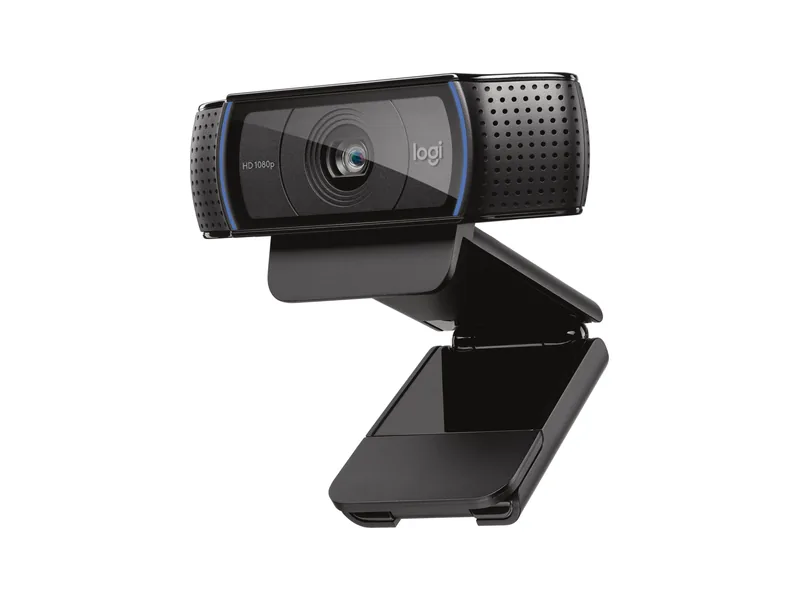
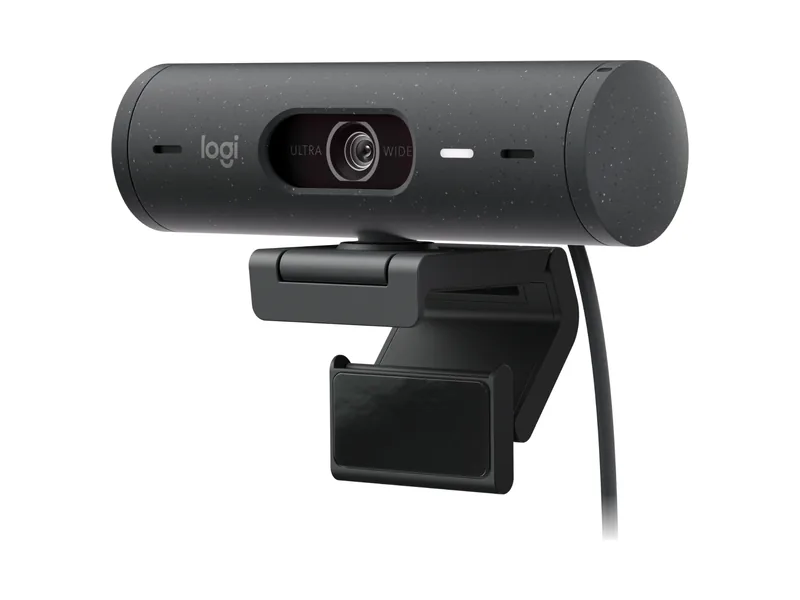
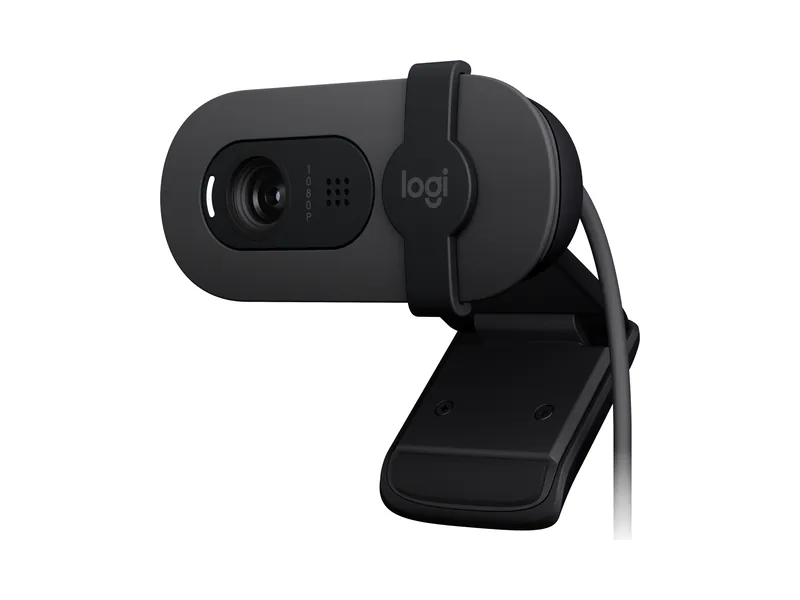
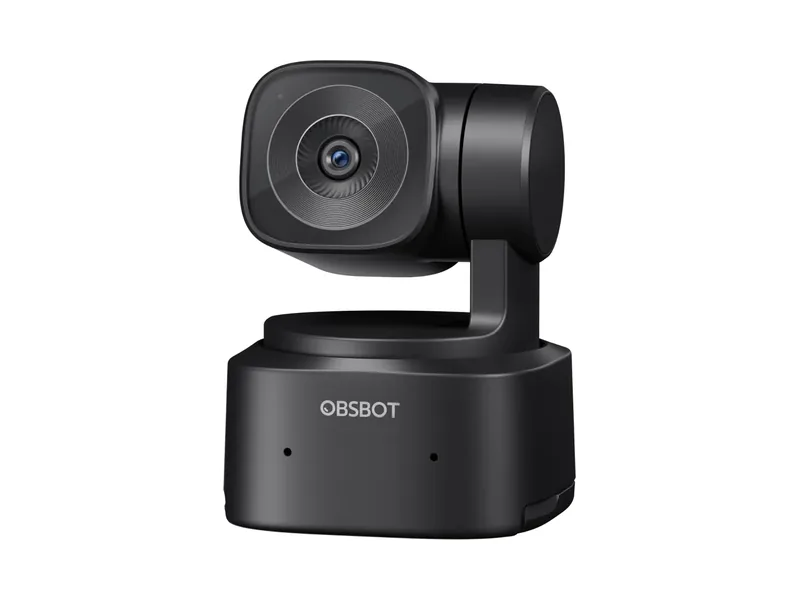
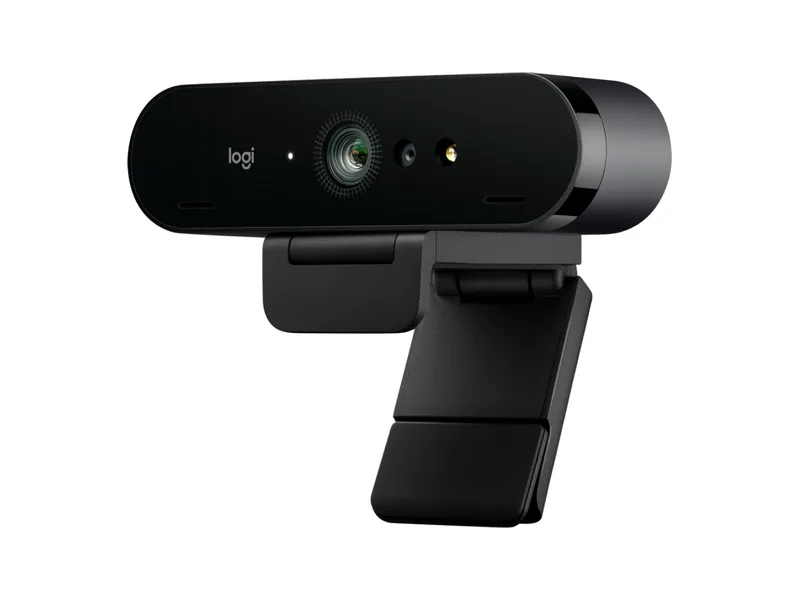
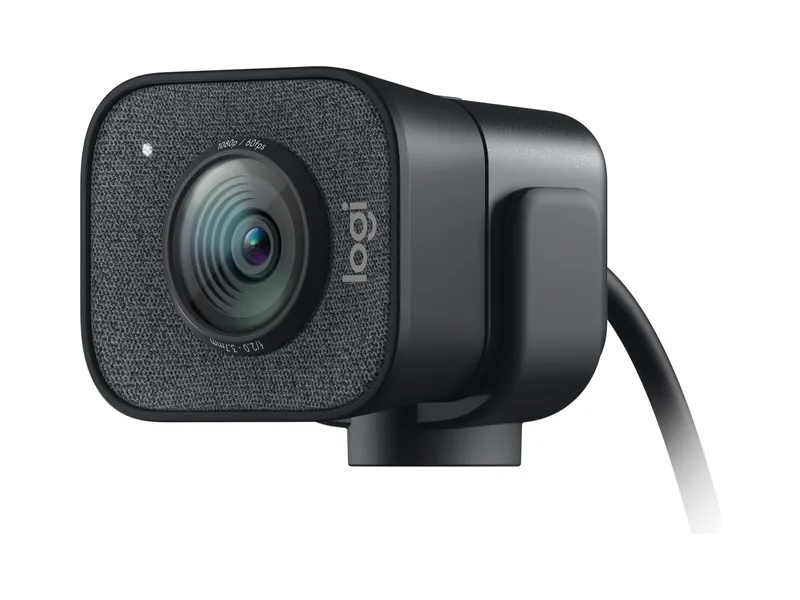
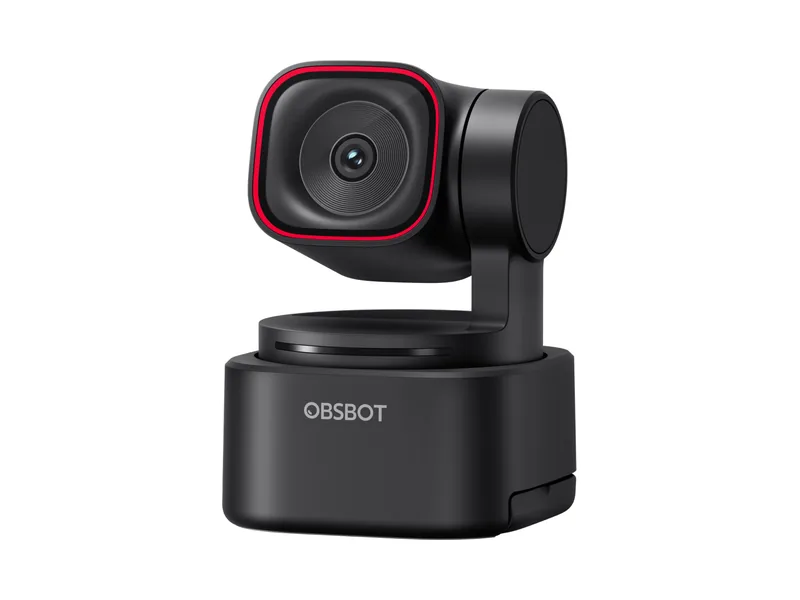
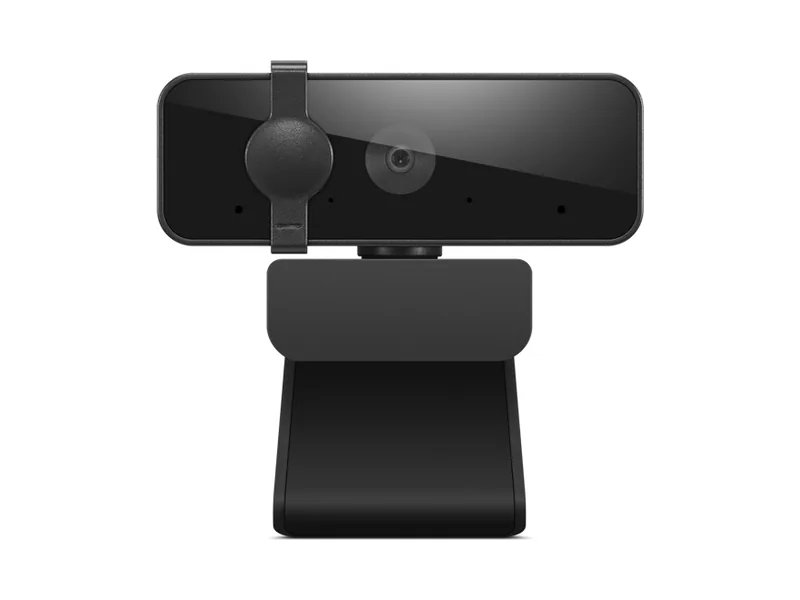
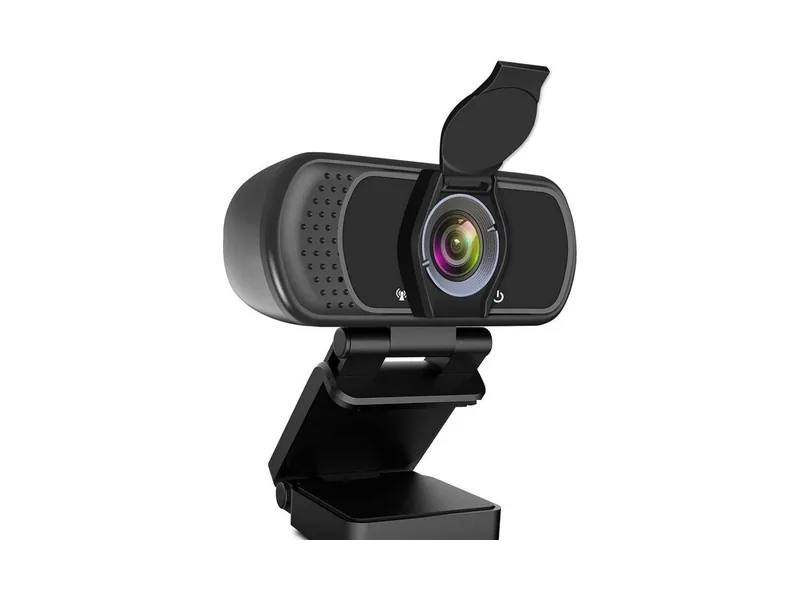
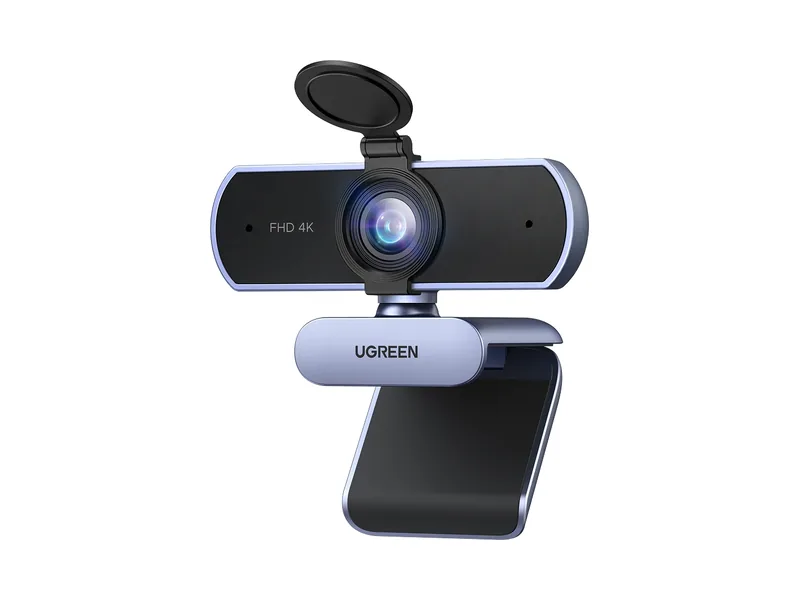
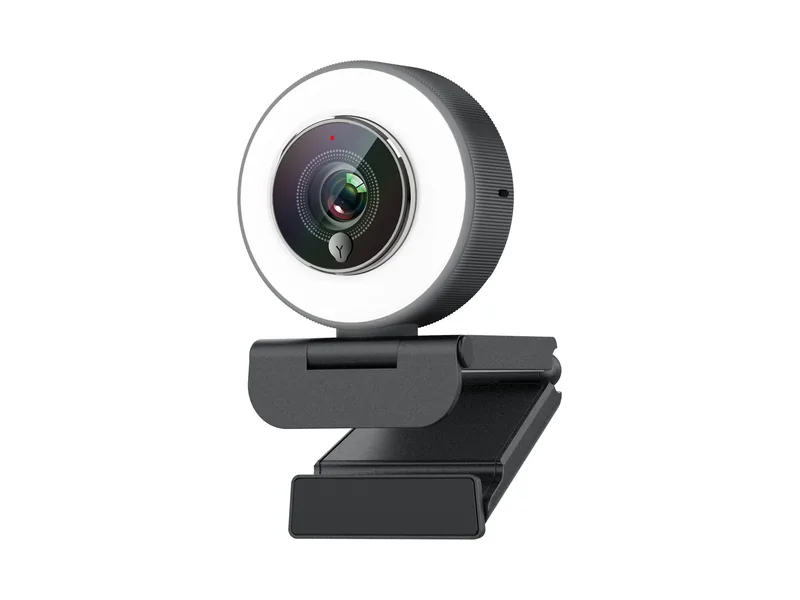
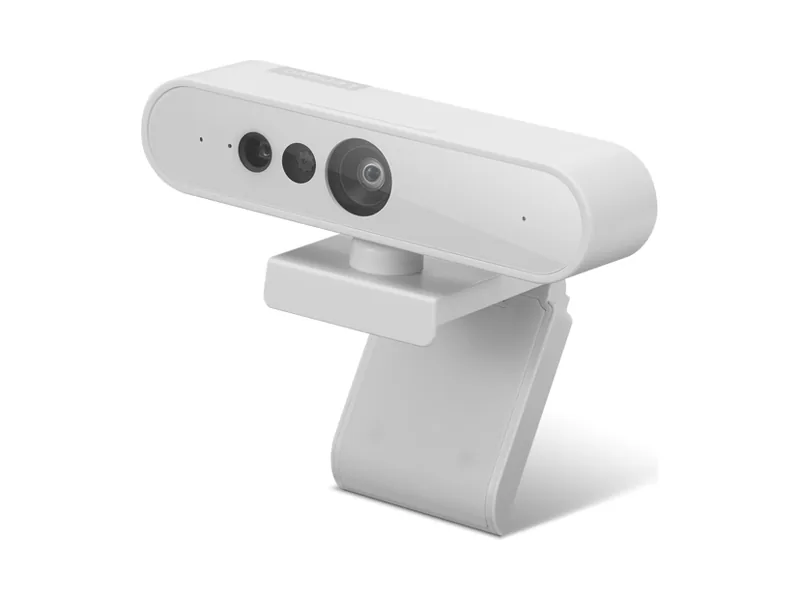
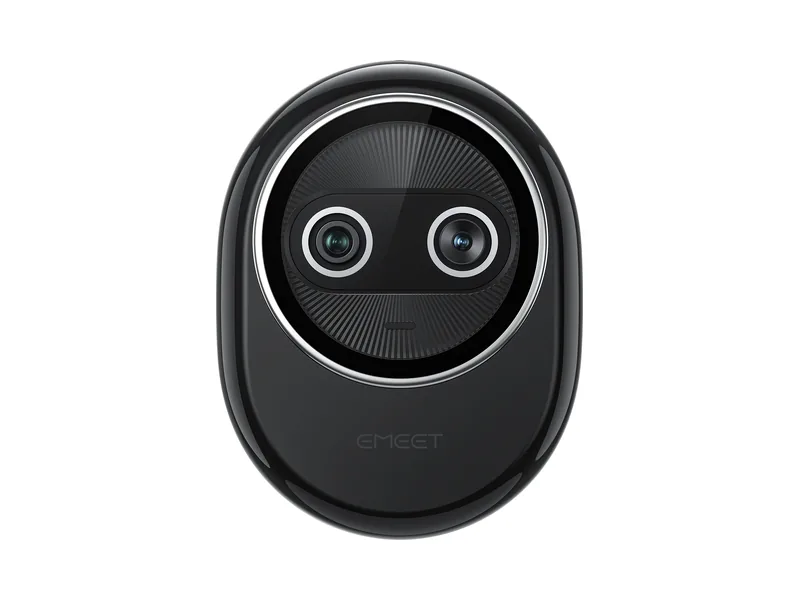
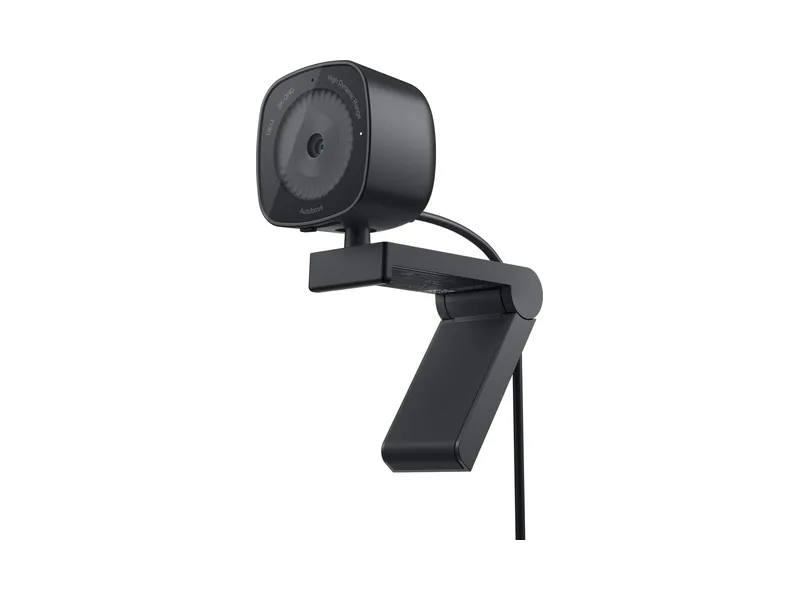
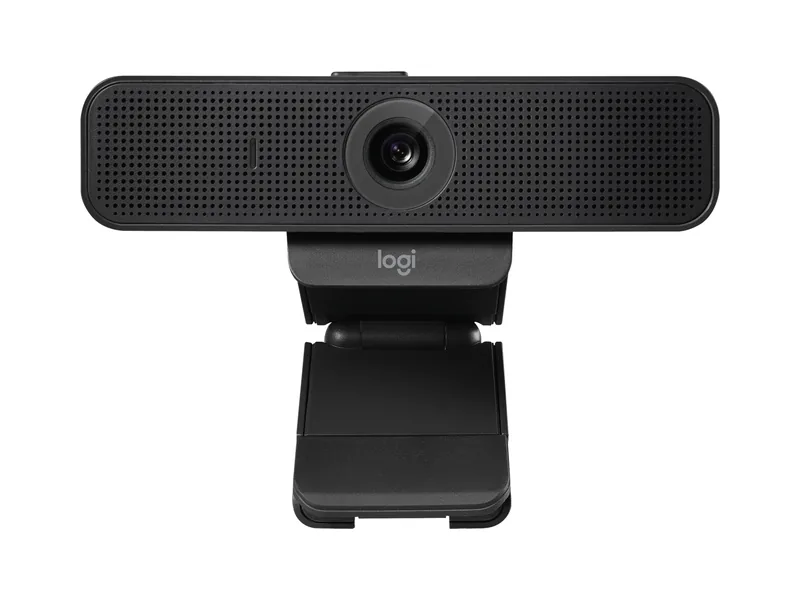
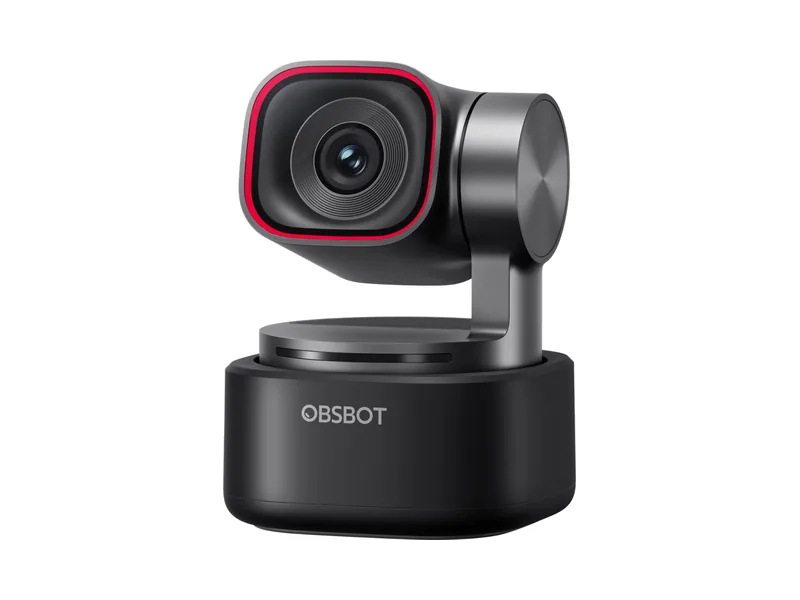
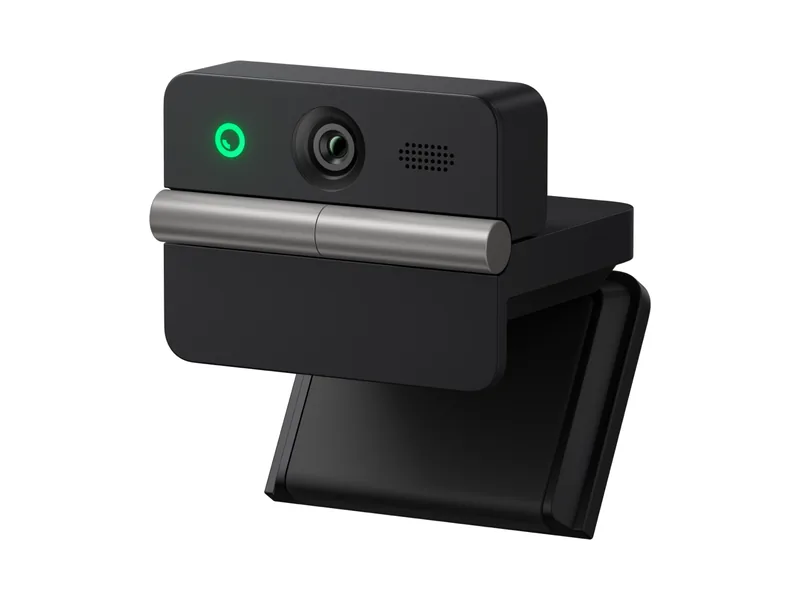
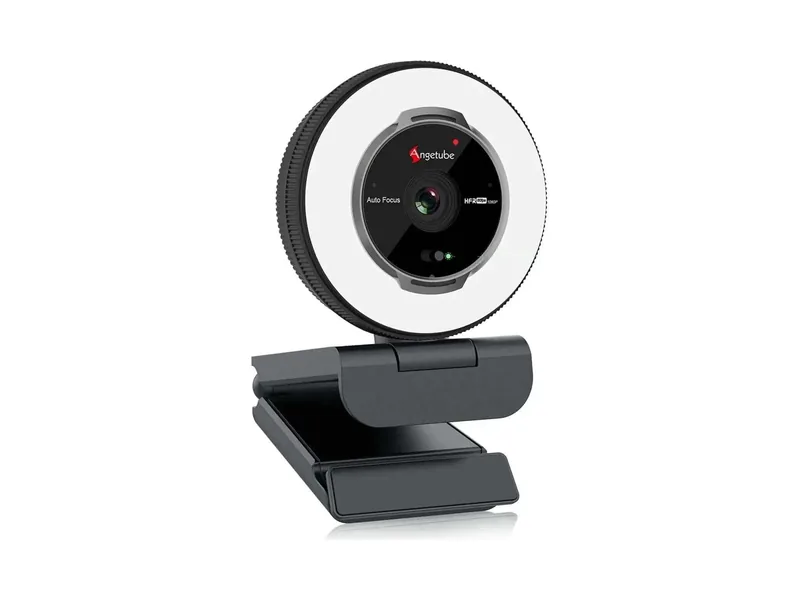
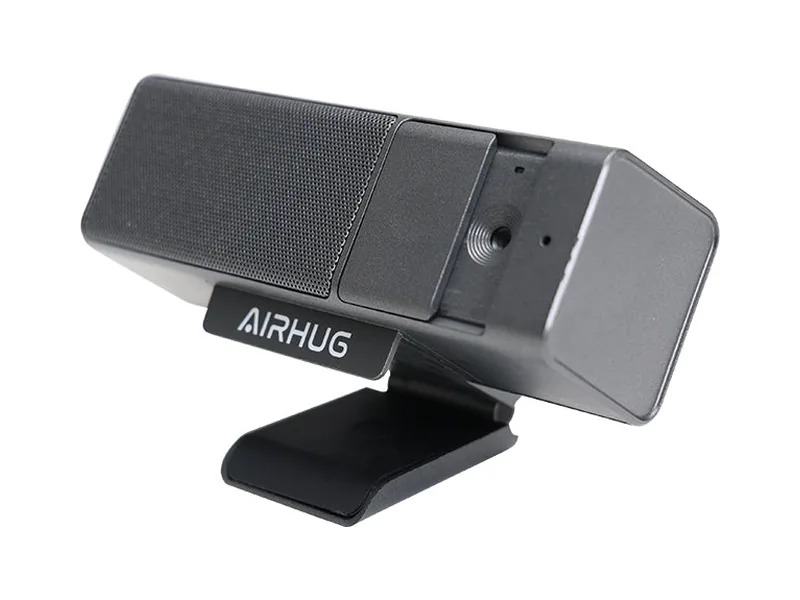
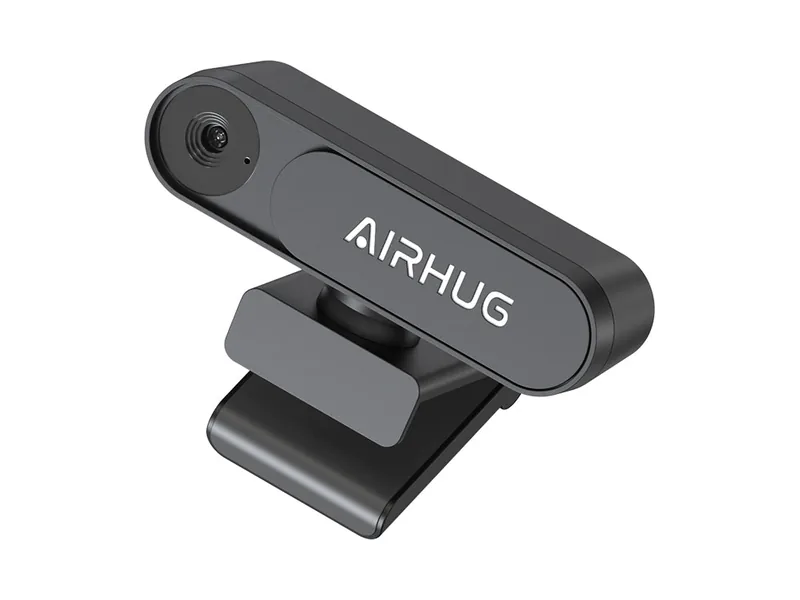
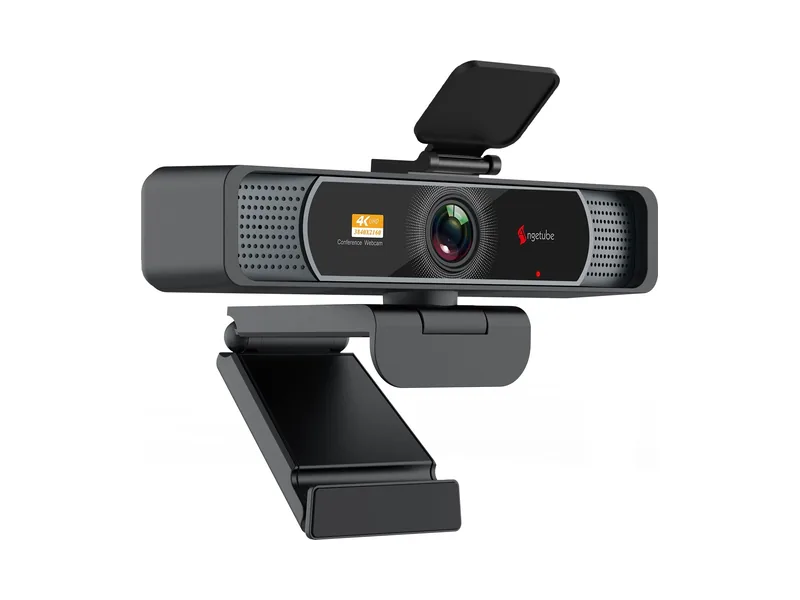
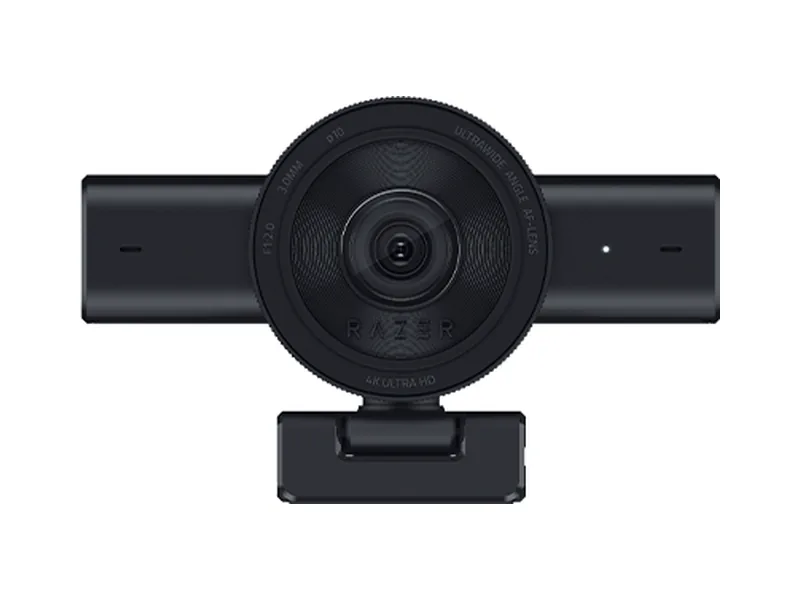
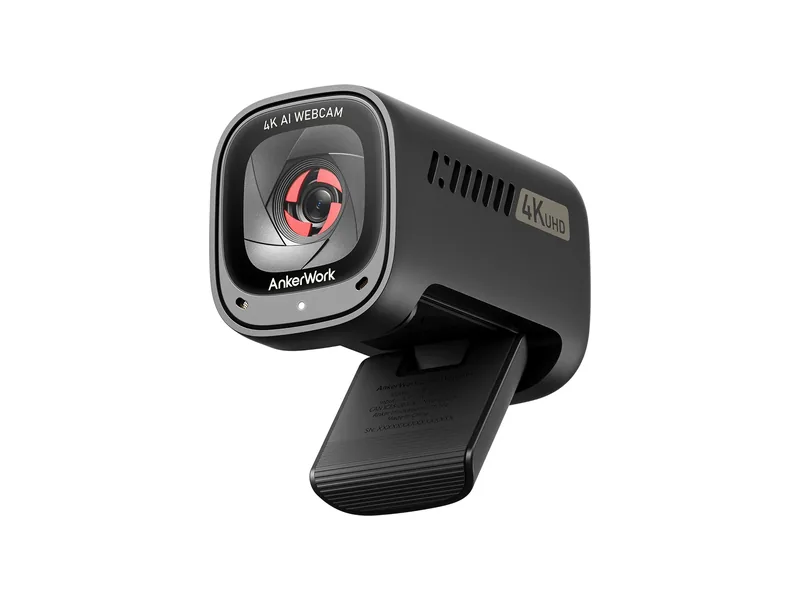
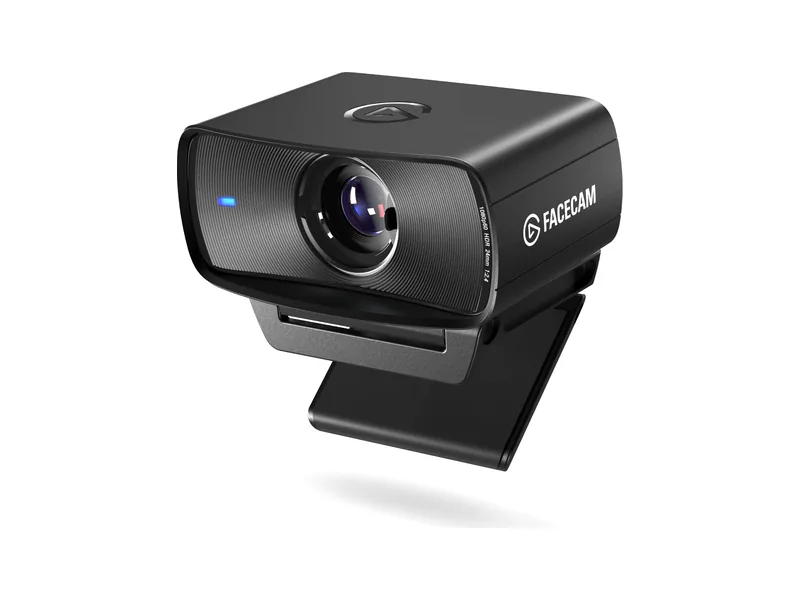
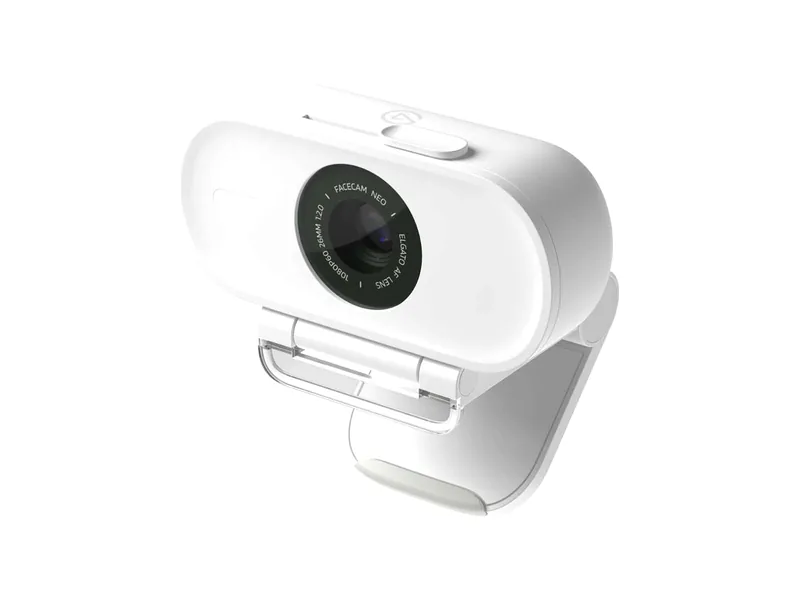
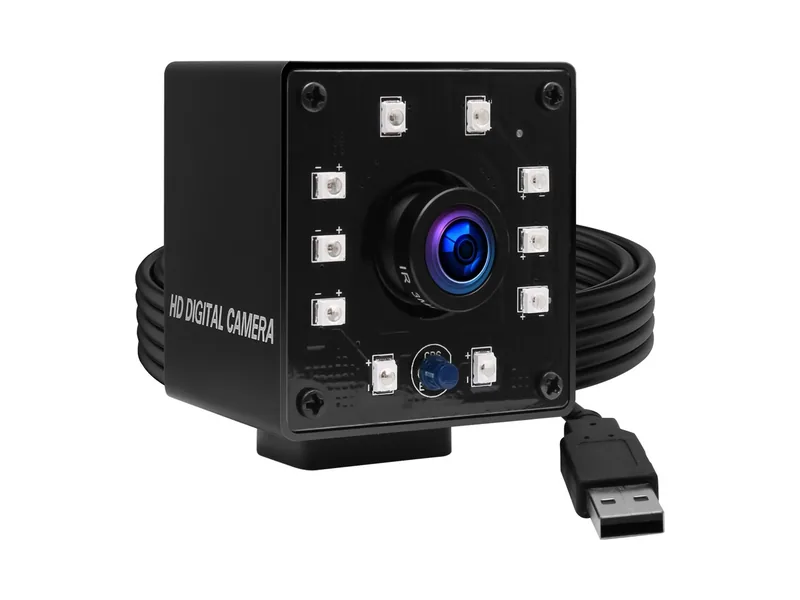
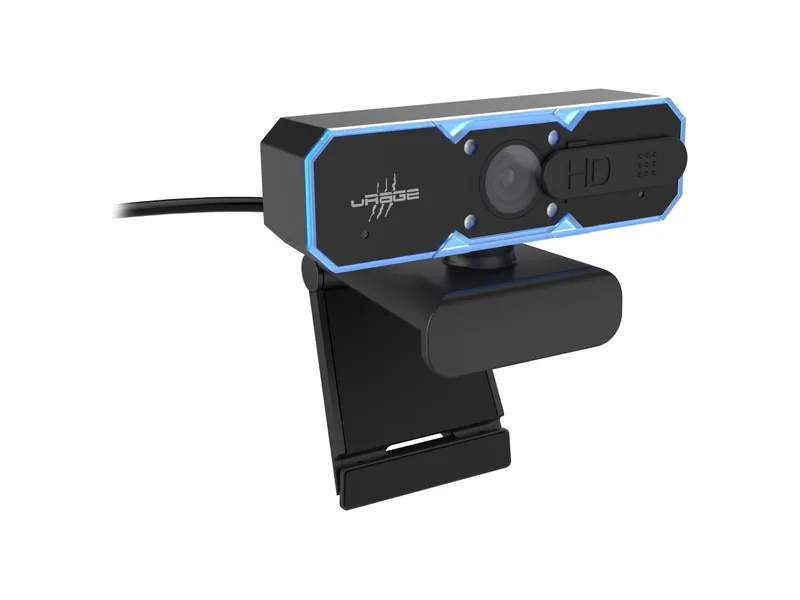
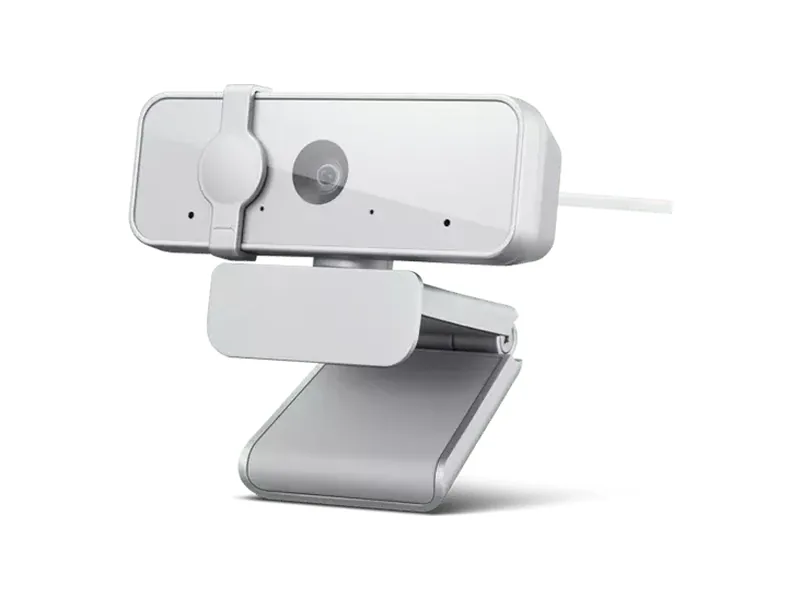
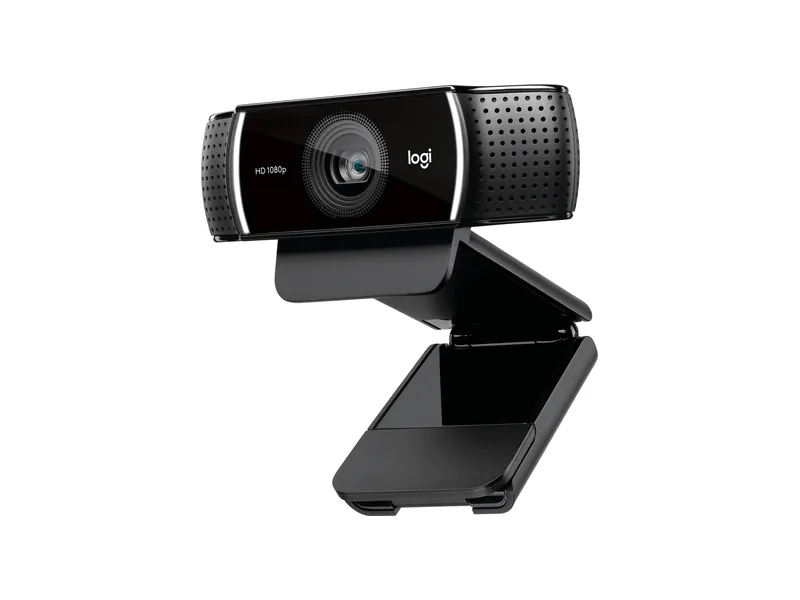
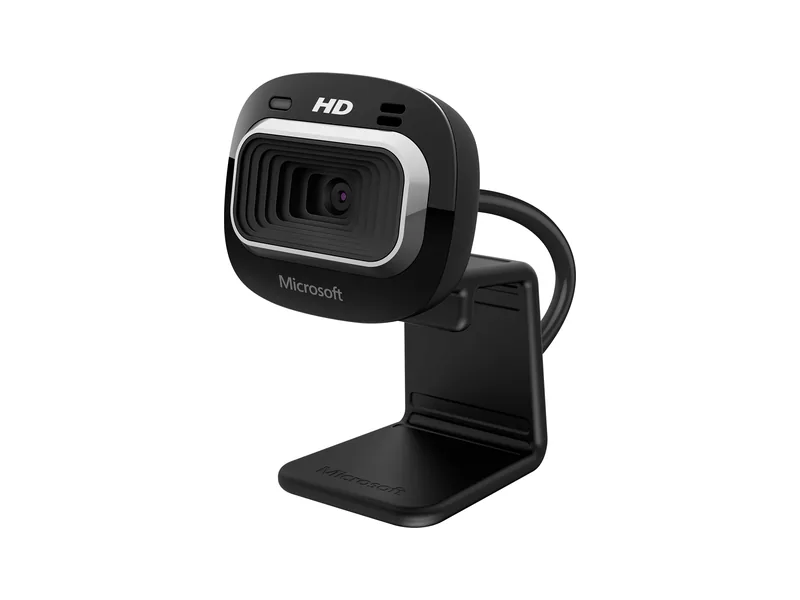
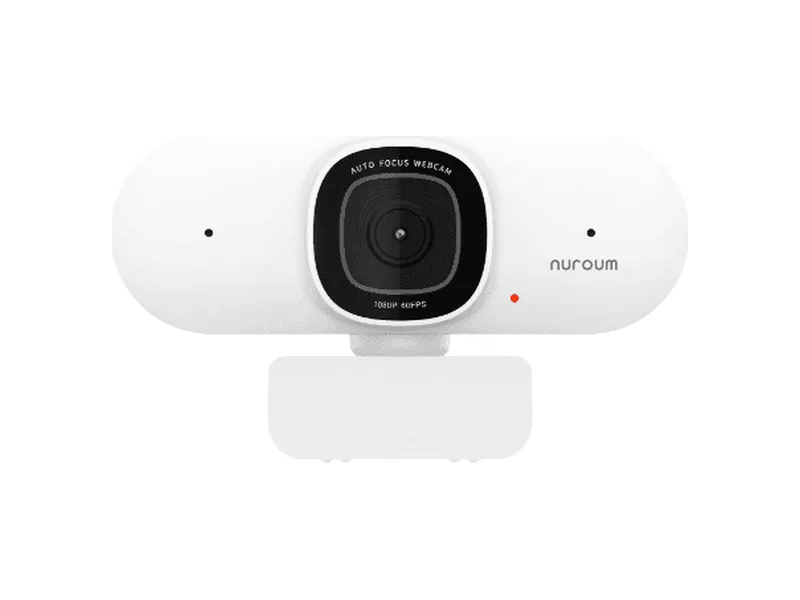
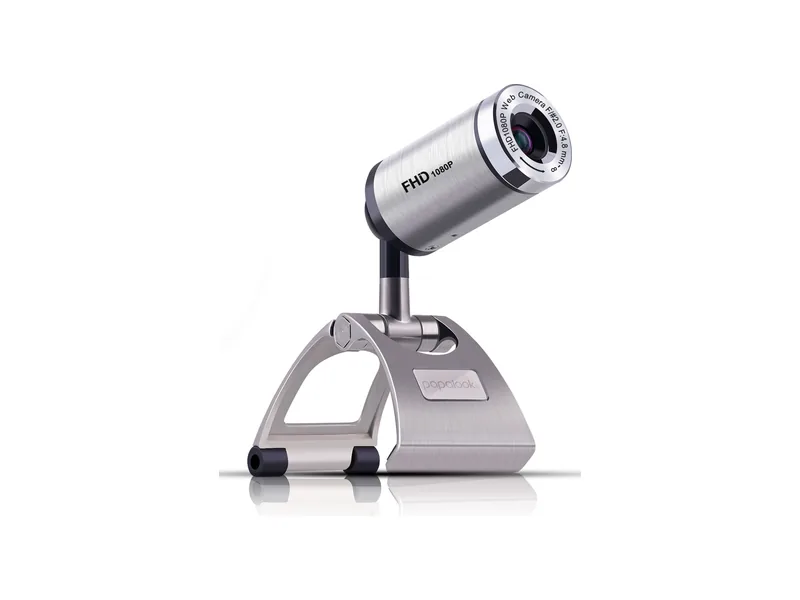
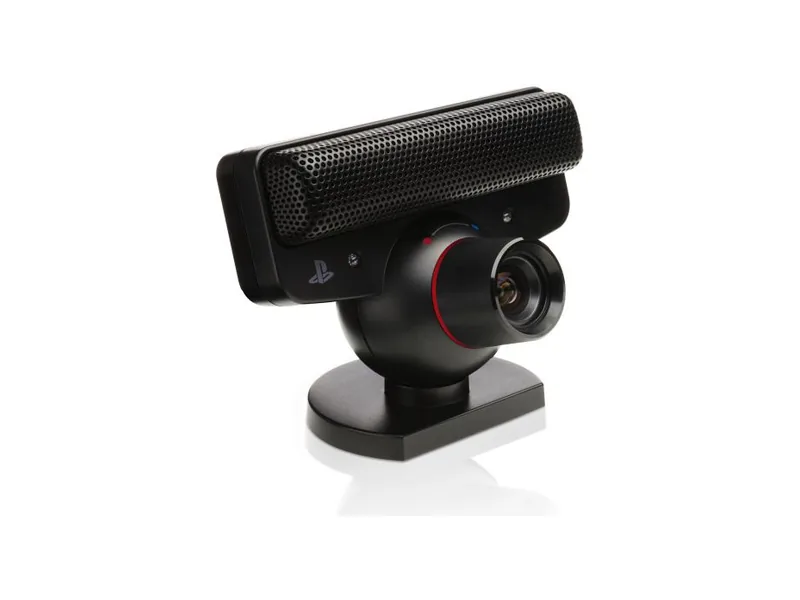
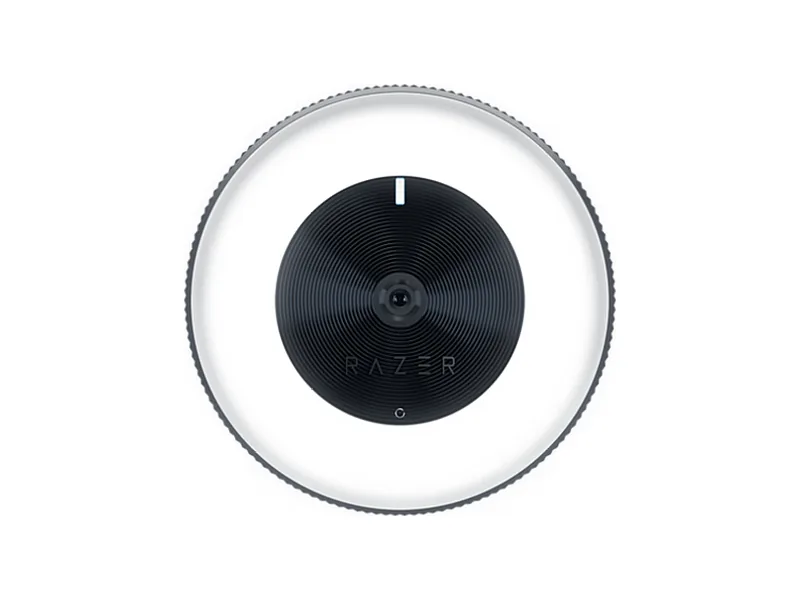
No webcam matches these filters.
Thank you for supporting us through our affiliate links. As an Amazon Associate, we earn from qualifying purchases, at no extra cost to you.
How to Optimize
-
Frame Rate
A higher frame rate makes tracking smoother, and low latency helps too. 1080p at 60fps is more than fine, and the OBSBOT Meet SE does 100fps at 1080p for a low price. 4K adds a little bump if you don't mind the extra processing.
-
Narrow FOV
A field of view below 90° works best, above 90° less so. If yours offers several angles, start with the narrowest.
-
Illumination Robustness
The Beam Eye Tracker works in most regular lighting, down to fairly dark rooms. Only in very low light do some cameras lengthen their exposure, which lowers the frame rate. A little light in the room then helps.
-
Automatic Framing Off
Automatic framing changes the frame as you move, by following you or cropping in, and that can throw off your calibration. Turn it off.
Phone as a Webcam
No webcam at hand? Turn your phone into one.
-
iPhone or iPad with Face ID
The Beam Eye Tracker iOS App moves the processing from your computer to your phone, reducing the CPU load to nearly zero, and uses the TrueDepth 3D selfie camera to improve calibration robustness and accuracy.
-
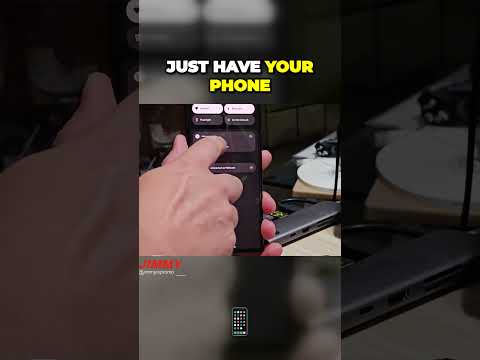
Android 14 and later
Plug your phone in with USB-C. Android's built-in webcam feature turns it into a webcam, no app needed.
-
iPhone or iPad without Face ID
On a Mac, Apple's built-in Continuity Camera turns an iPhone XR or later into a webcam. Otherwise a free app like Camo Studio does it, on Windows or Mac. Continuity Camera
-
Android 13 and earlier
A free app like Camo Studio turns it into a webcam, on Windows or Mac. Camo Studio
Once your phone is set up as a webcam, choose the virtual webcam it creates as your input device in the Beam Eye Tracker settings, like any other webcam.
Questions about webcams
Does the Beam Eye Tracker work with my webcam?
Pretty much all modern webcams work, built-in or USB, from 480p up. If you have an extremely rare webcam or a unique setup and can't get it to run, let us know via support@eyeware.tech or our Discord and we'll get it running for you. For a DSLR, a camcorder or another special setup, see the question on other cameras.
Can I use my phone instead of a webcam?
Yes. On an iPhone or iPad with Face ID, use the Beam Eye Tracker iOS App, which moves the processing from your computer to your phone. On Android 14 and later, plug the phone in with USB-C and choose Webcam, though not every phone offers that mode. Otherwise, a free app like Camo Studio turns your phone into a webcam on Windows or Mac.
Then select your phone as the camera in the Beam Eye Tracker. The Phone as a Webcam section above has the details.
Is 4K better than 1080p for tracking?
A little, but it uses more processing power, which is a trade-off. 4K at 60fps tracks a little better than 1080p at 60fps, and 1080p at 60fps usually tracks more smoothly than 4K at 30fps, so check the frame rate as well as the resolution. You set both under Resolution & Framerate in Tracker Settings (with camera access set to Exclusive). Rule of thumb, from 1080p: max out the frame rate first, then raise the resolution.
Does it work with an infrared camera?
Yes, the Beam Eye Tracker reads infrared cameras too. Note that an infrared camera does not track as well as a regular RGB webcam at the same resolution.
Webcams with Windows Hello, like the Logitech Brio 4K, also have an infrared sensor, but Windows keeps its feed for signing in and never shares it with other apps, so the Beam Eye Tracker can't use it.
Can another app use my webcam while the Beam Eye Tracker runs?
Yes. In the other app (OBS, Discord, a video call), select Eyeware Camera as the camera, and both apps can use your webcam at the same time while camera access is set to Exclusive in Tracker Settings. Setting camera access to Shared works too, but then the other app decides the resolution and frame rate.
Can I use a DSLR or mirrorless camera, a camcorder with a capture stick, an infrared camera or a PS3 Eye?
Yes. The Beam Eye Tracker only needs the picture, RGB or infrared, however it arrives, with low-latency setups preferred. Community members use it with the PS3 Eye, a Sony A7 IV mirrorless camera and a Sony camcorder on a capture stick. Infrared works too, with a day-and-night camera such as the ELP KL36IR (RGB in daylight, infrared in the dark) or a webcam with its IR filter removed and IR lights. Check the Video Preview before you calibrate, and expect some latency, depending on your setup.
How do I connect a PS3 Eye camera? It's not showing as an input device.
If your PS3 Eye camera is not showing as an input device in the Beam Eye Tracker, it is likely because the correct drivers are not installed. Windows does not include native drivers for the PS3 Eye camera. To fix this, install the universal DirectShow driver: PS3 Eye Universal DirectShow Driver. After installing the driver, restart the Beam Eye Tracker and your PS3 Eye camera should appear as a selectable input.
Can I use a GoPro or another action camera?
We do not recommend it. A GoPro has a very large field of view, so your face takes up only a small part of the picture and tracking can be less accurate. It also needs an intermediary app such as ManyCam to show up as a webcam. If a wide-angle camera is all you have, use your phone as a webcam instead.